After updating to the version 13.0.0 of the SimpleHue Control Chrome Extension, probably you started experiences issues.
Unfortunately, the root cause lies with Philips Hue itself. Their SSL certificates are currently broken,
rendering many Hue integrations (including the SimpleHue Control Chrome Extension) unable to communicate properly with the Bridge.
Version 13.0.1 of the SimpleHue Control Chrome Extension allows the user to select between API V1 or API V2
API V1: Compatible with older bridges.
API V2: Compatible with Hue Bridge Pro and older bridges, but we must follow the workaround in this article.
In this workaround we are going to tell the web browser to trust the self-signed certificate of the Hue Bridge. Your
browser will display security warnings like the one shown in the image below.
These warnings can be safely ignored in this case, since the IP address you are connecting to belongs to your own
Hue Bridge on your local network.
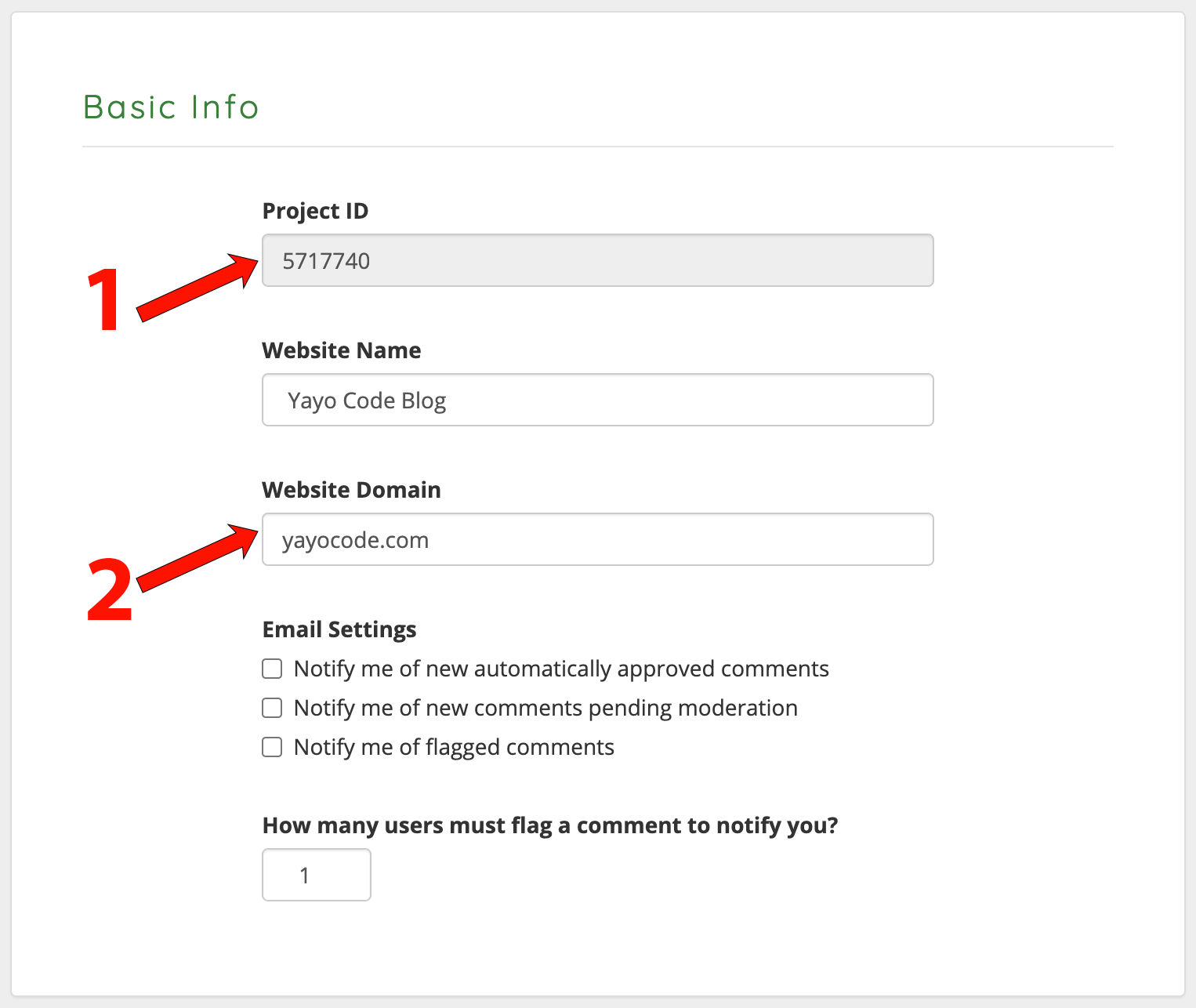
Visit https://dashboard.commentbox.io to get your project ID.
Copy your project ID, we will use it later to initialize commentbox.io in our
Docusaurus project.
During development, type localhost in the Website Domain field. When you release to production make sure the
Website Domain matches your own domain, for example, in my case yayocode.com.
Over the past two years, my blog has been a place to share my experiences and learning
in mobile app development, primarily focused on Flutter.
Initially, I decided to create my blog with Next.js because it's the framework used in my
workplace, and I've always been curious to learn web development.
However, like any software project, without a constant maintenance, we'll soon be using outdated dependencies. So over
the last 3 months, I decided to migrate the blog to Docusaurus. The reason? Simplification and efficiency.
In this article, we will review how equality works in Dart and Flutter and how the Equatable package can help
us to avoid writing a lot of boilerplate code.
We already know that If we want to compare two variables, we can use the == operator. For example, if we want to
compare two strings, the code is:
final car1 ="Toyota"; final car2 ="Toyota"; print(car1 == car2);// Result: true
And if we want to compare two numbers, the code is:
final phone1 =52123456; final phone2 =52123456; print(phone1 == phone2);// Result: true
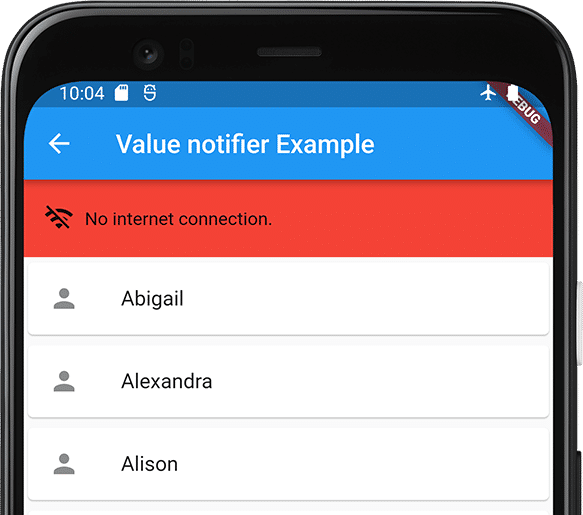
Do you have a Flutter App, and would you like to show the users when they are offline, like in the next image?
No internet connection banner
Before we start, you can download the source code from GitHub. The source code
has examples using: cubit (flutter bloc), getx, ChangeNotifier (provider), and ValueNotifier.
Do you want to host images in Google Drive and display them on your website, blog, etc.?
I've created this tool that helps you generate the HTML embed code or
direct link to the image.
Hay veces que queremos calcular el ancho o la altura de un widget y tomamos como referencia el espacio de pantalla
disponible. Por ejemplo en el siguiente fragmento de código, la altura de cada Container es la mitad del tamaño de
la pantalla o MediaQuery.of(context).size.height / 2.
Dart has experienced significant improvements and innovations with the release of its version 3. This update brings
features and functionalities that make Dart a more efficient, modern, and user-friendly language for web and mobile
application development.
Dart 3 was introduced by Google during Google I/O 2023 and was announced as the largest release to date.
Starting from Dart 2.12, a new feature called null safety was introduced. This feature aims to improve code safety and
stability by providing stronger null checks. If you attempt to assign a null value to a non-nullable variable, the
compiler will generate a compile-time error. This helps reduce the possibility of null-related errors and
enhances code robustness.
In Dart 3, the language is 100% sound null safety.
A new feature in Dart 3 is Records, which allows a single object to contain multiple objects. One use case is when
we want to return two or more values from a function.
Previously, when we wanted to return more than one object from a function, we had to create an extra class or use a
package like [Tuple][1].
The following code snippet shows that to return the age and name from a function, we had to create a
class called User:
// Example without using records voidmain(){ final user =getUserInfo(); print('Age: ${user.age}'); print('Name: ${user.name}'); } UsergetUserInfo(){ returnUser(18,'Yayo'); } classUser{ final int age; finalString name; User(this.age,this.name); }
En este artículo vamos a resolver el reto propuesto en la página de
Facebook Flutter Taiwán que básicamente dice:
El objetivo de este reto es reescribir el proyecto en la que tu creas es la mejor arquitectura (bloc, mvvm, mvc,
mvp, etc.). Puedes usar cualquier paquete, debes incluir pruebas unitarias (unit test) y pruebas de widgets
(widget tests). El proyecto se puede descargar de GitHub
note
Quiero aclarar que no existe una arquitectura que sea mejor que otra, en programación podemos llegar al
mismo resultado de diferentes formas.
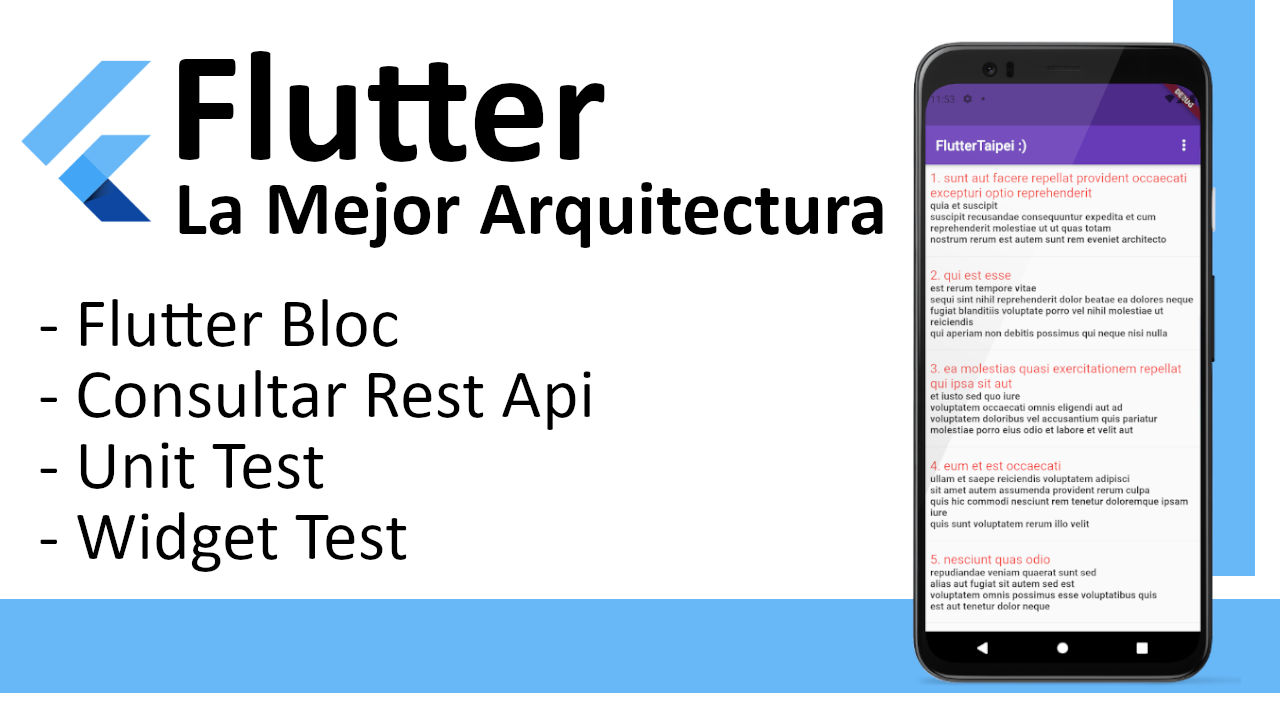
Podemos ver que tenemos un app bar con el texto FlutterTaipei:), también hay un Listview con una serie de ítems
que vienen de JsonPlaceHolder, el app bar también tiene unas opciones
para ordenar la lista por id o por el titulo del artículo.