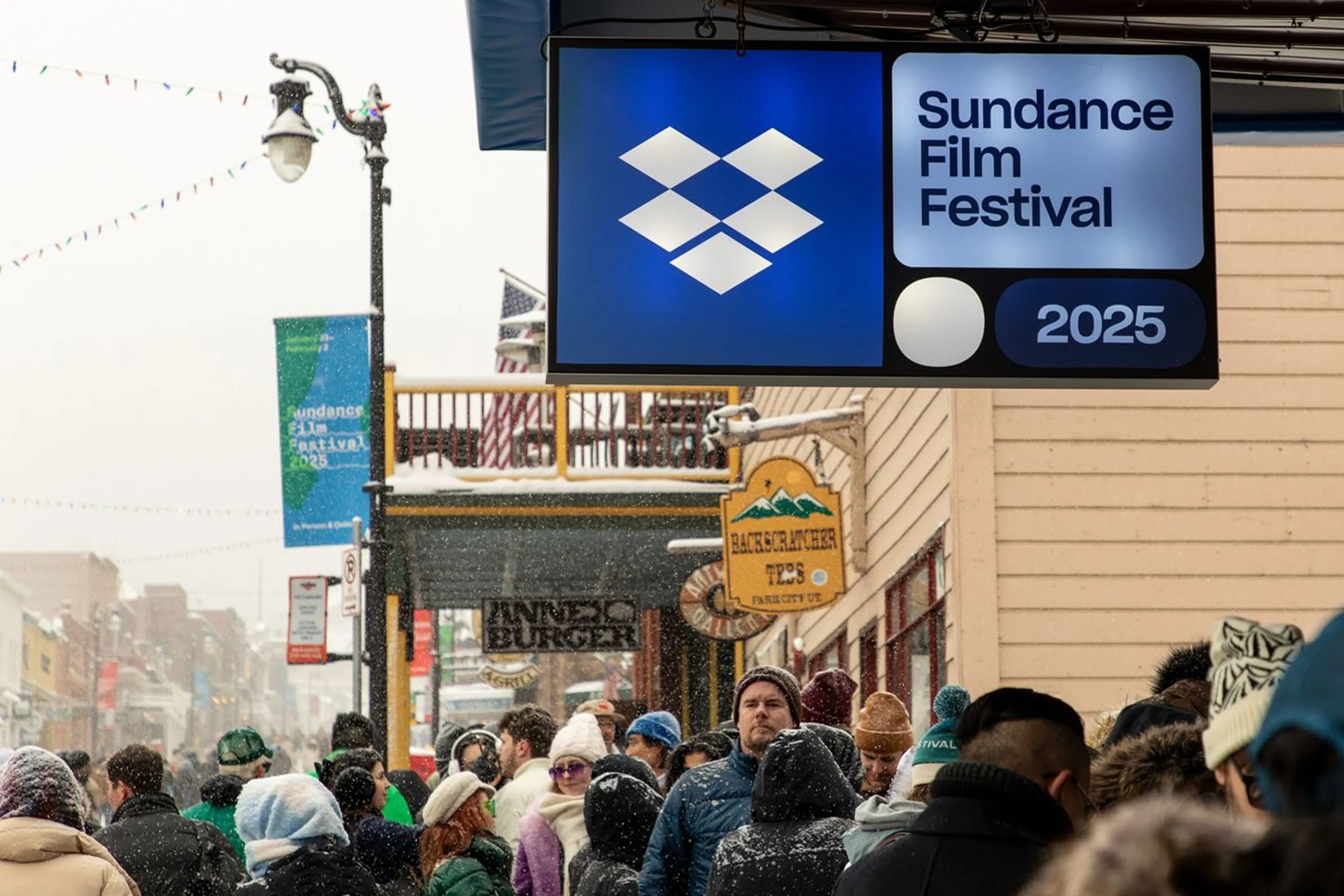
How films get made with Dropbox


Collaboration built for creatives

Security that stays on script
Give access to the right people at the right time. Set access rules, use expiring passwords and NDAs, and unshare links anytime so your content stays secure until it’s ready for the spotlight.

Teamwork that travels
Work together from anywhere, on any schedule. Review files, add comments, and make updates online or offline, wherever you and your collaborators are bringing ideas to life.

Insight that hits the mark
Share work securely with clients, whether they have an account or not. See real-time engagement and document analytics so you know what’s resonating and what’s ready for the next cut.
"Our production team was based in New York. The director was based in Los Angeles, the editor in Chile, the titles person in New York, the composer in Mexico City, and the graphics team in London. Dropbox made it possible for us to send and receive files without having to wait hours."
Daniel TorresProducer, Selena Y Los DinosYou’re in good company
68%
of 2026 Sundance feature films
used Dropbox to create, review, and deliver their work.
575K+
teams worldwide
use Dropbox to share work, safeguard content, and grow their business.
4.5B+
connections and counting
created through Dropbox file sharing.
1B+
mobile app downloads
recognized with Editors’ Choice awards on Google Play and the App Store.
Frequently asked questions
Our plans for individual users and teams give you access to a wide range of tools and features designed to speed up your creative workflow.
Yes. Log in on desktop or mobile to access your files wherever you’re working—on set, in the edit bay, or on the move. Files sync automatically across your many connected devices, making it easy for you and your teams to stay in step.
Users on our Essentials and team plans can connect as many devices as they need, all of which you can manage from your account’s security settings.
In addition to fast file syncing and built-in collaboration, Dropbox offers tools designed to support every stage of the creative process:
- Replay: Collaborate on video projects and gather frame-accurate feedback in one place
- Dash: Find, organize, and share your work fast with the AI teammate that understands your content
- Sign: Manage your contracts and eSignatures from start to finish
- DocSend: Deliver pitches and documents and track real-time engagement
- PDF editing: Customize and edit PDFs online in just a few clicks
- Transfer: Send up to 250 GB of files with password protection and custom branding
Dropbox makes your life easier at every stage of the creative workflow:
- Create, store, and organize your pitch decks in your Dropbox cloud storage
- Send pitches and proposals with DocSend
- When it’s time to sign, request eSignatures with Sign
- Store raw assets in Dropbox and access them across any connected device
- Produce your creative work using collaboration tools and app integrations to speed up the process
- Gather feedback, import comments into your editing suite, and upload new versions with Replay
- Deliver final copies of assets to clients with Transfer
Dropbox is purpose-built to make collaboration across creative projects simple.
Here are some of the ways in which Dropbox speeds up your workflows:
- Effortless file sharing at the click of a button, along with large file transfers
- Integration with your favorite editing tools, including Adobe, Canva, and DaVinci Resolve from Blackmagic Design
- Upload up to 2 TB of files to your account at a time, without needing to break files into smaller uploads
- Get feedback on video, audio, and design projects in one place with Replay, then import feedback into your editing suite
- Digital watermarking keeps your work secure from unwanted sharing