
AX_Logo600
LighthouseBaseLarge2
Archimatix 2017-09-13_12-48-08_PM
RedShip
AllModels
Archimatix 2017-04-04_09-50-20_PM
BastionMerge
Voila_Capture 2014-07-06_06-04-29_PM
Ministry of Robots
Stair 2014-07-21_10-41-41_AM
Stair 2014-07-22_02-40-36_PM
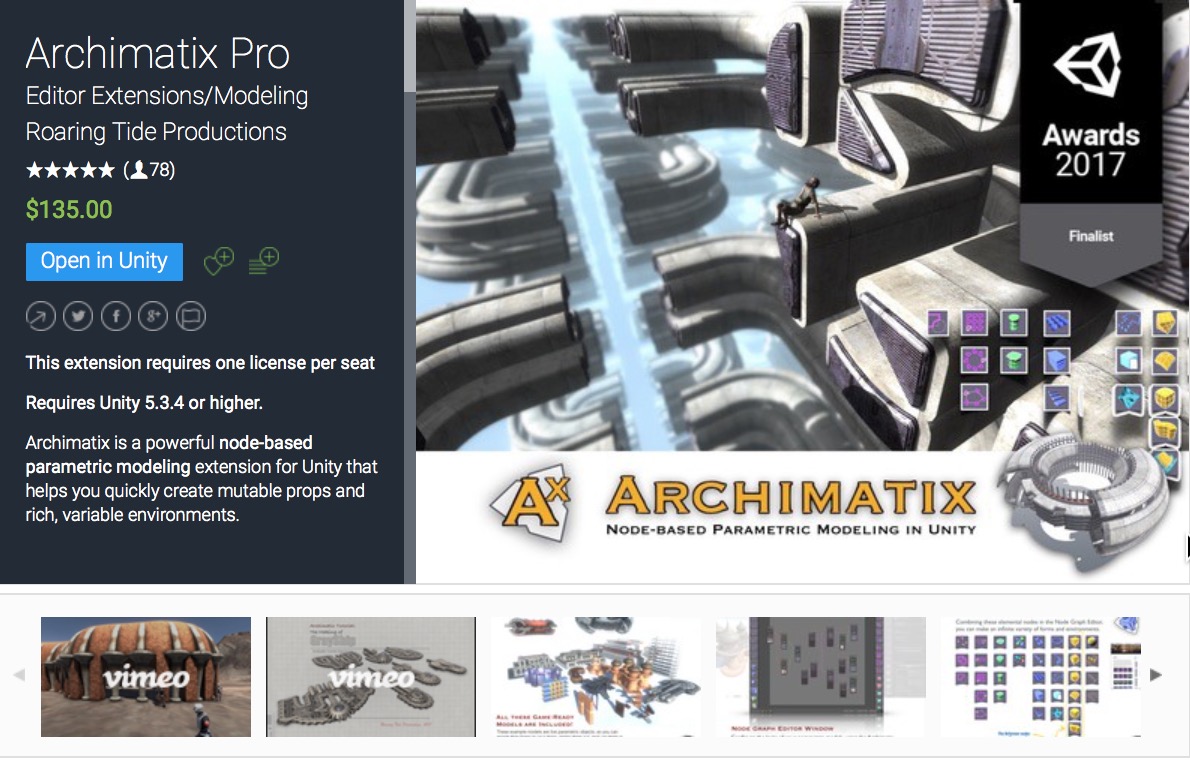
Now in the Unity Asset Store!

Archimatix is a powerful node-based parametric modeling extension for Unity that helps you quickly create mutable props and rich, variable environments.
A strong feature of Archimatix is its non-destructive, realtime and runtime editing, which makes environment-building a joy. Have you ever made a decision early in your design process and later regretted it? For all of its benefits, the drawback with destructive modeling is that the further you go on a project, the greater the cost to make a change. Yet design is an iterative process. So what if you could turn back time and transform that circular plan into a rounded rectangle with just a few simple strokes and no remorse, letting the change ripple through the project? Archimatix lets you do this, since each stage of the logic can be manipulated at any time, generating new variations with ease.
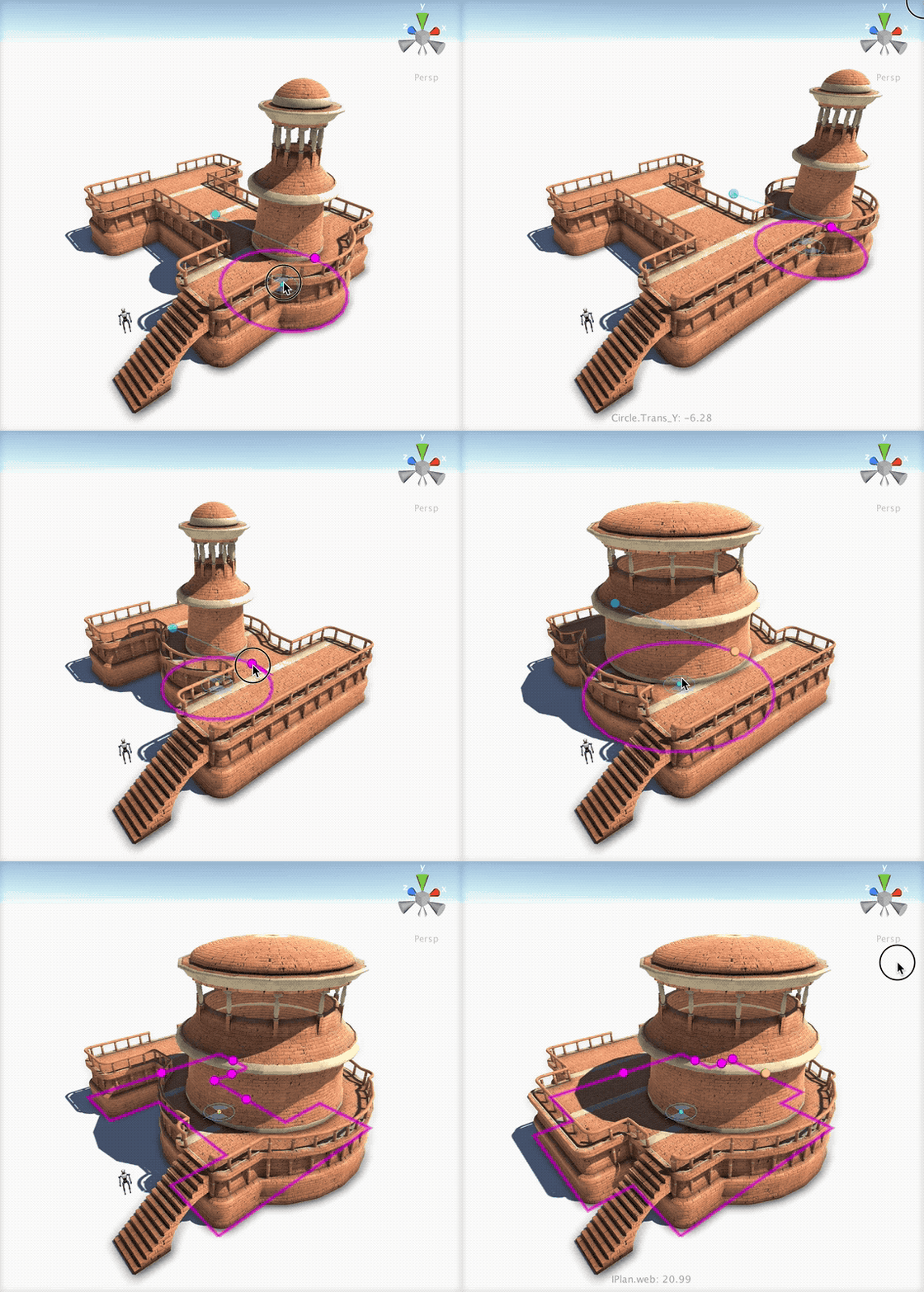
LighthouseBase is among the library items that ship with Archimatix, fully interactive and ready to use in your game!
The LighthouseBase model that ships with Archimatix, for example, is primarily generated by two shapes in plan, a Circle and an I-Shape. Simply manipulating the scene handles for these two shapes modifies the all the forms that depend on them.
If you have never tried parametric modeling, don’t worry, its not that hard to pick up. Although it is quite different from brush-based modeling, or topological modeling, where you directly manipulate vertices and faces, with parametric modeling you can manipulate relatively few handles or gizmos that alter the entire mesh in smart ways.
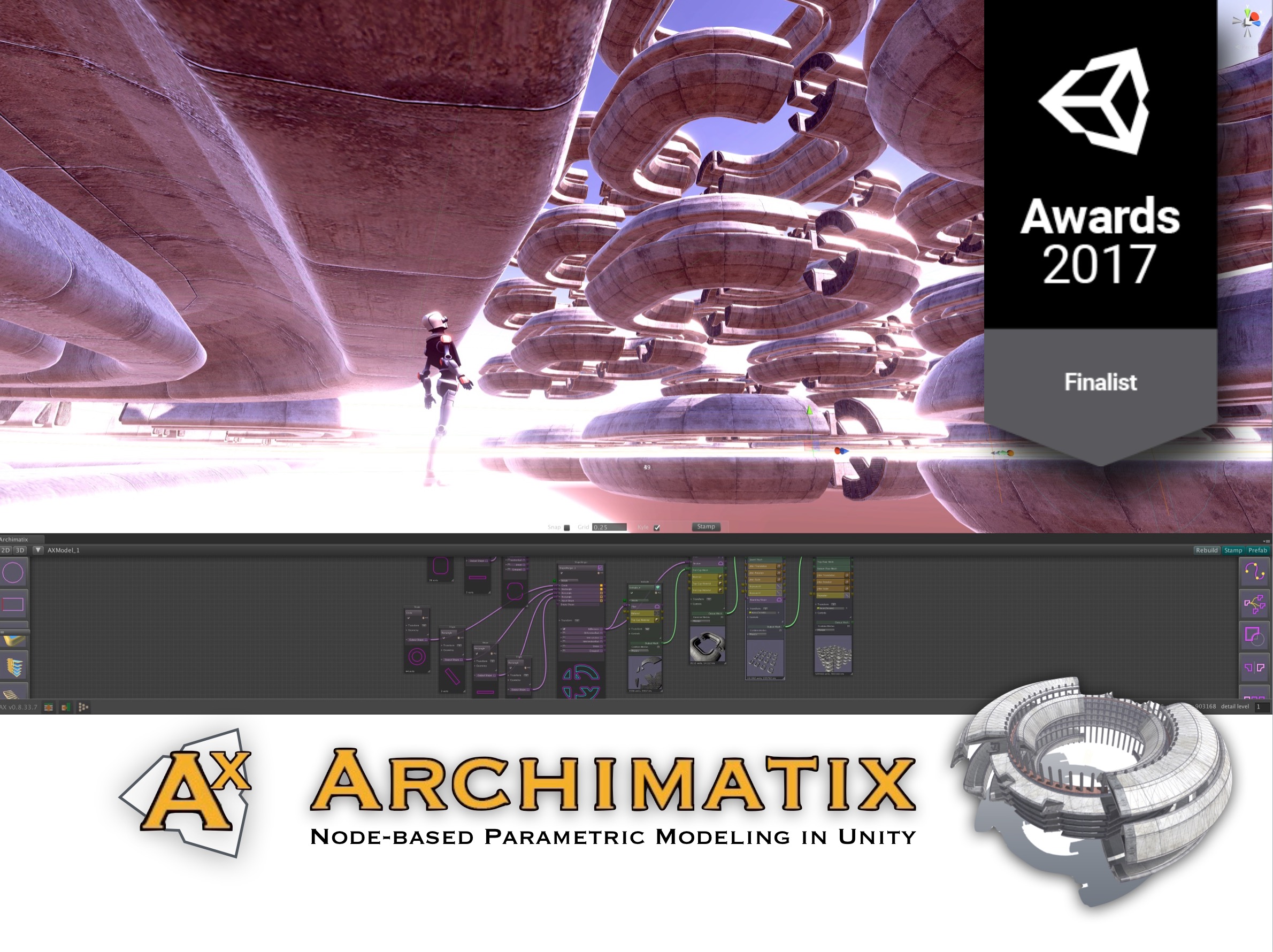
Archimatix was released in March 2017 and has enjoyed robust sales and superlative reviews from both artists and coders alike. As one reviewer aptly put it, Archimatix is “modeling software at the intersection of art and algorithm.”
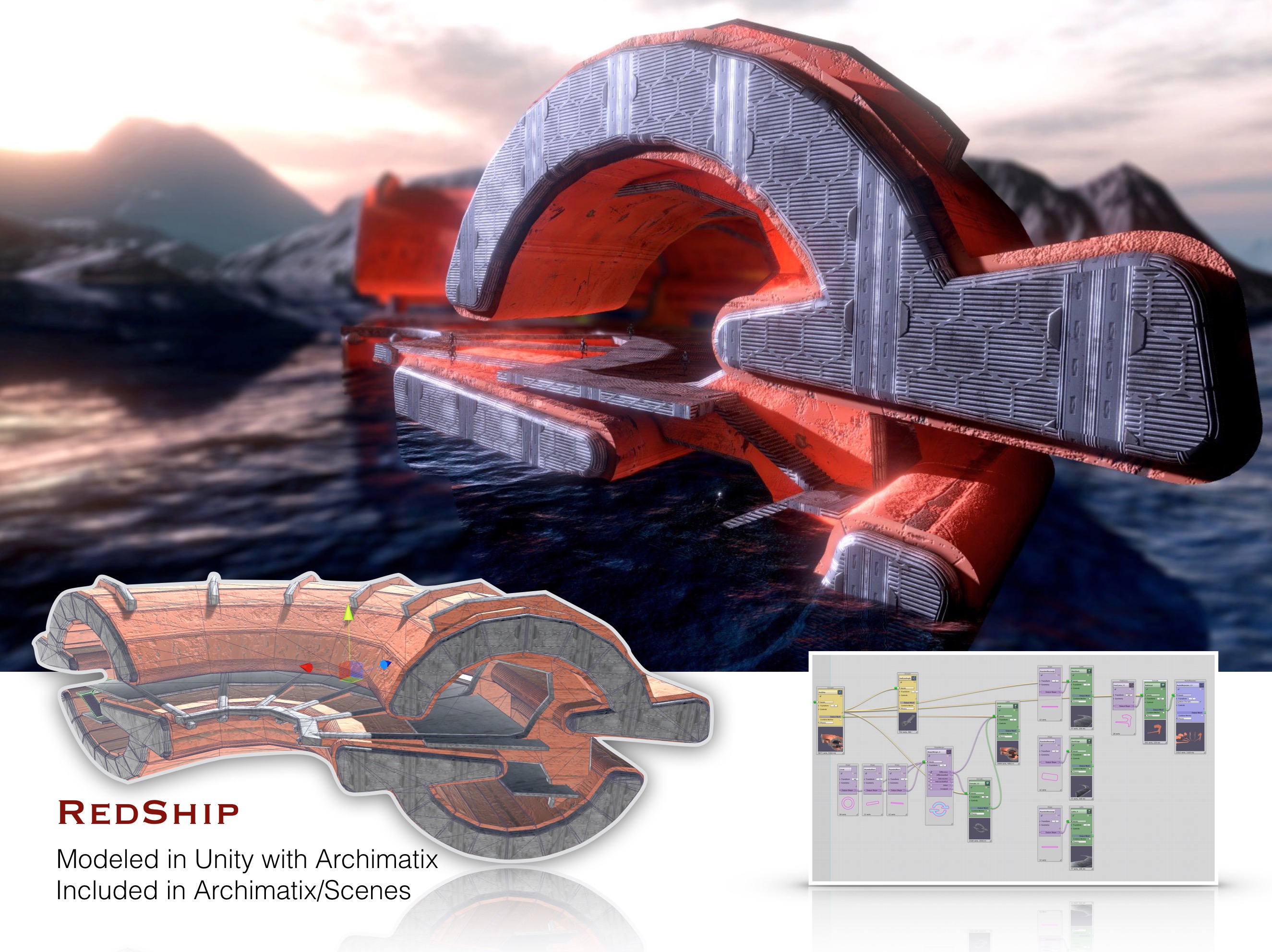
 Not only is change at any point in the creative process possible, but serendipitous creations often come out of time spent rigging up the logic of Archimatix assemblies using the visual node graph editor: That stadium you thought you were building may become a distinctive spaceship with the addition of a few nodes and some random slides of parameter variables, as what happened with the production of RedShip, below.
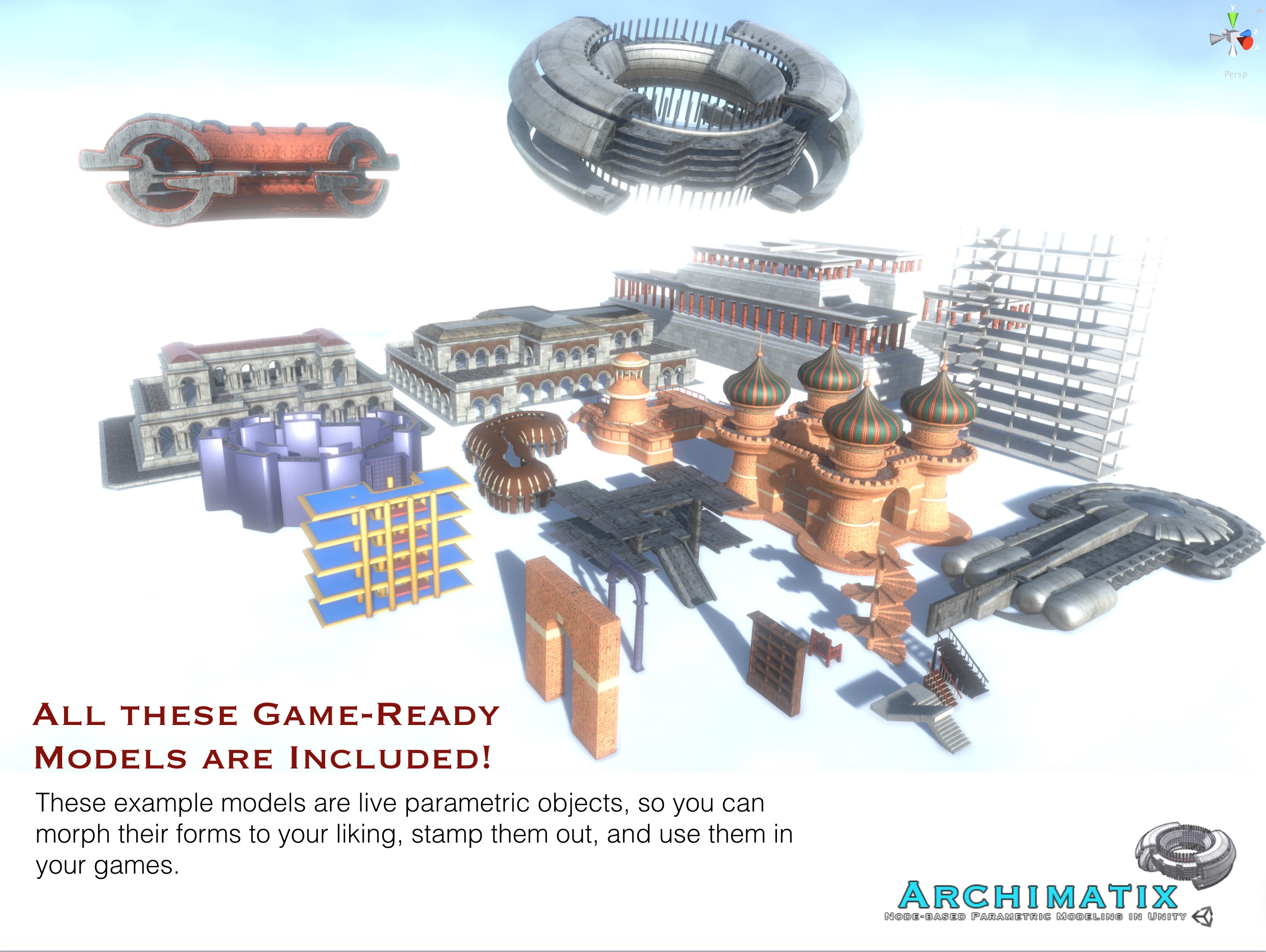
Archimatix uses its architectural smarts to amplify your creative ideas; its logic is at your fingertips via the visual scripting of the node graph editor. To see the logic at work from the get-go, Archimatix ships with dozens of example models. The real value of these example models is that you can see their node graphs, and learn how they were rigged up. You can also simply modify them using scene handles, or use them “as is” in your games.
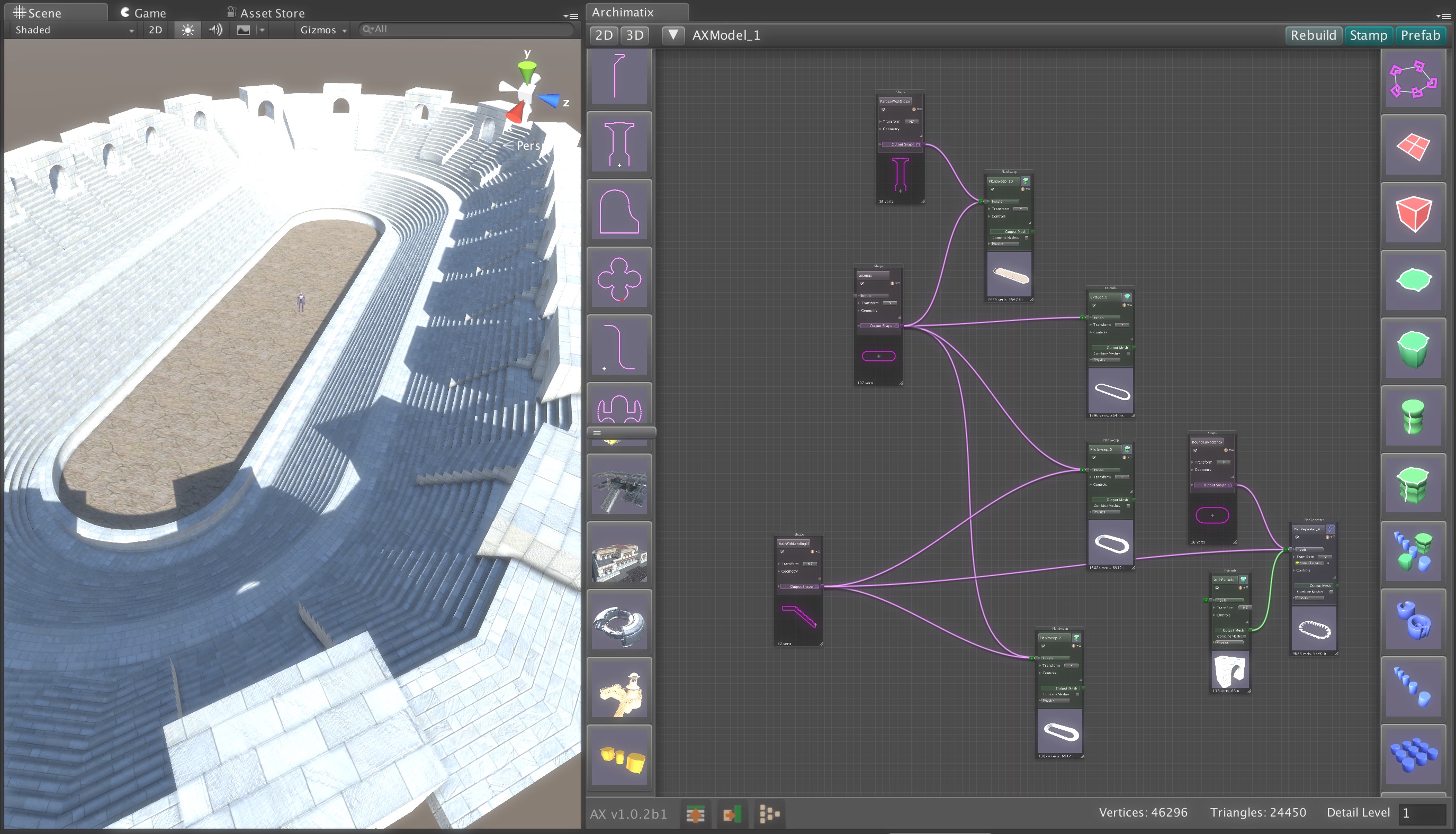
You can also roll your own parametric objects that are specific to your art direction. Archimatix features a node graph editor that puts all the power of modeling logic right at your fingertips. No coding required! In fact, with Archimatix you can create fantastic spaces and extensive realms with relatively few generative building blocks that are simple in nature, but can become quite expressive when linked together in the graphical node editor. The Circus below was modeled with only ten nodes.
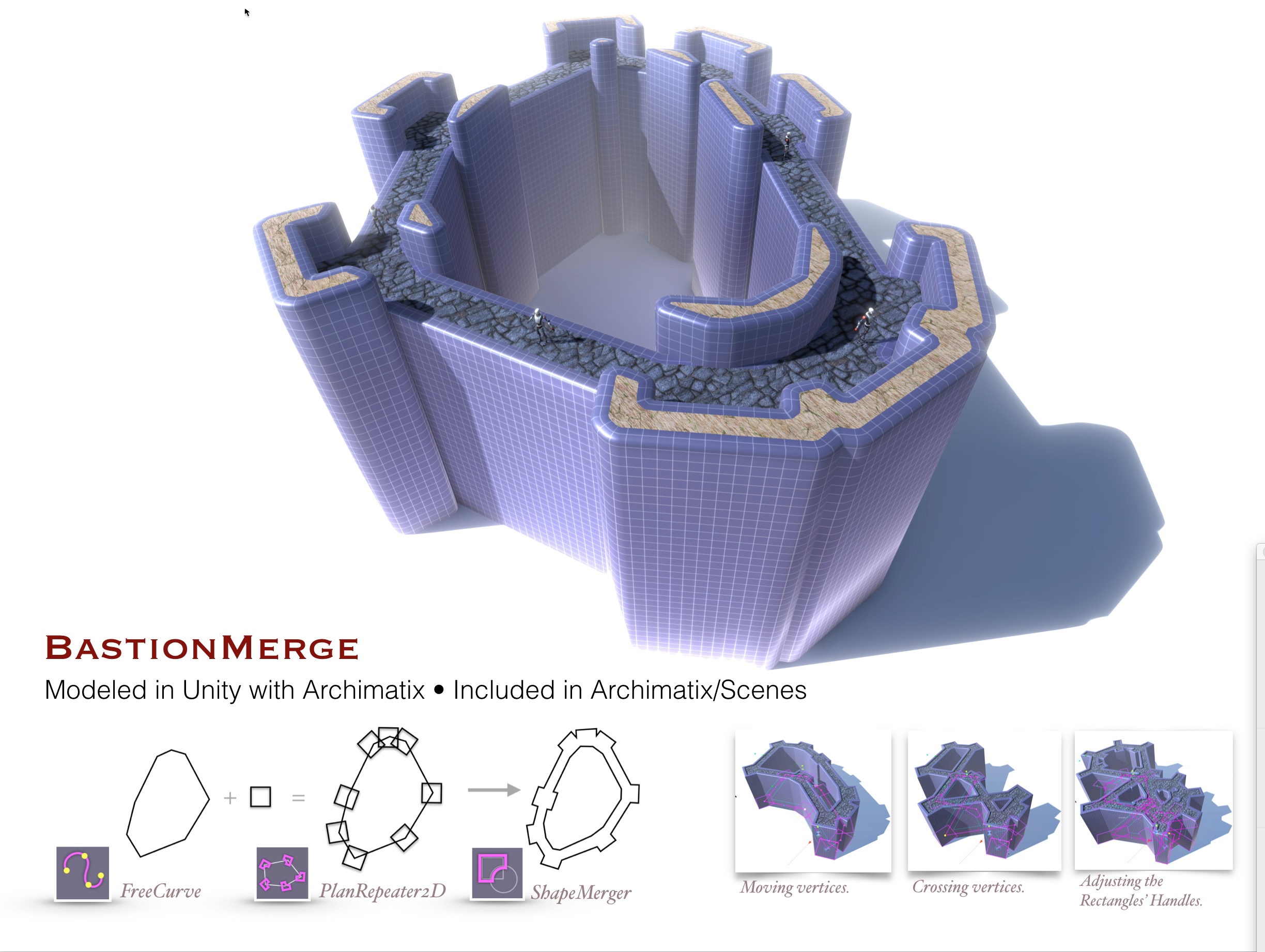
What also makes Archimatix unique among other fine modelers available in the Asset Store is that it “thinks” architecturally – in plan and section, which, to architects, are the essential 2D shapes needed to form rich 3D spaces. Archimatix features powerful 2D shape manipulation tools that are not found in external modeling applications. These tools include shape merging (2D boolean operations), offsetting, thickening and rounding. When the shapes interact to form meshes in realtime, the results are magical. For example, sliding a Circle shape around the plan of a fantasy villa regenerates walls, window openings, railings and any other architectural elements that are dependent on the Plan shape of the building.
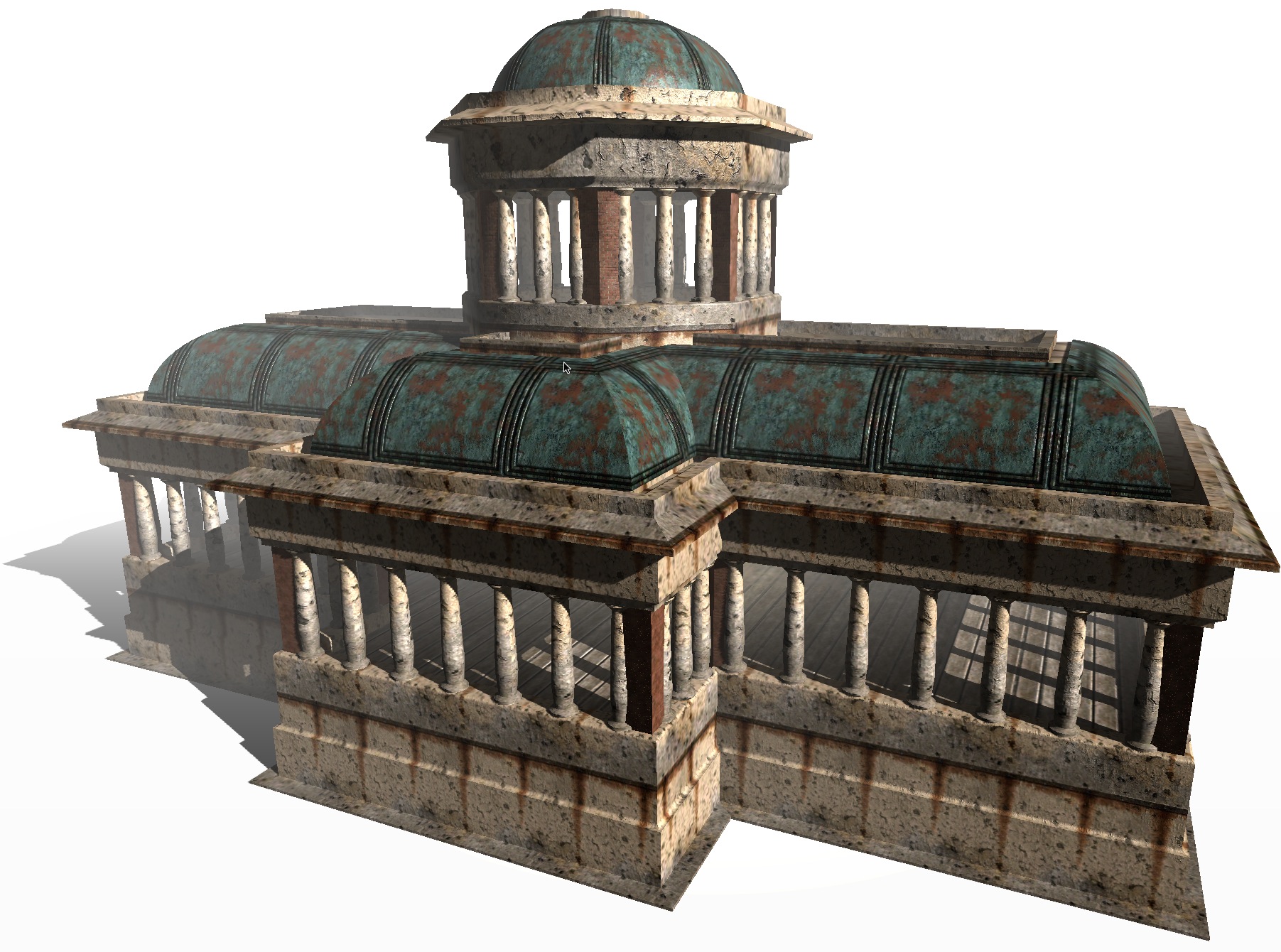
Get in touch with your inner architect and let loose the Unity3D level designing hero within!
Follow @archimatix
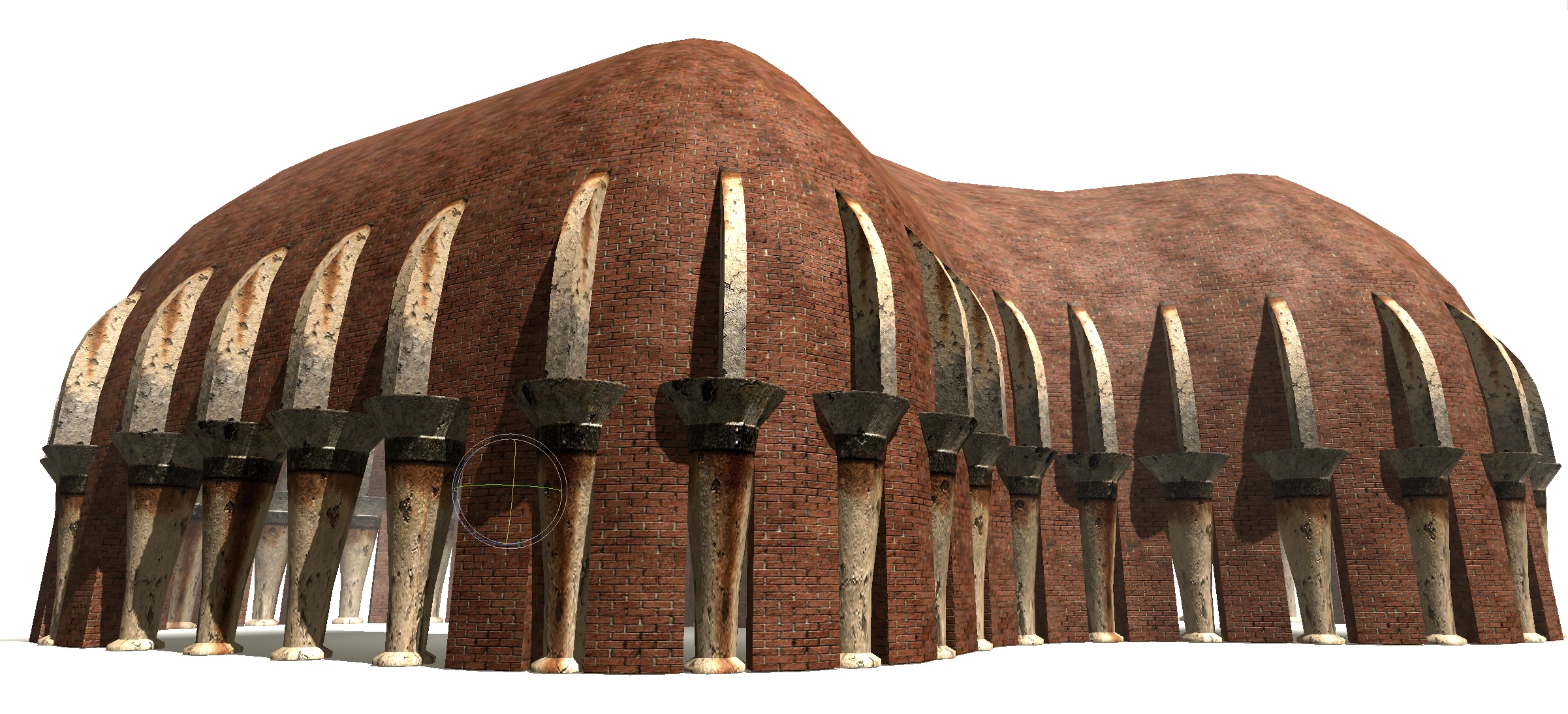 Equatorial Hall of Heroes
 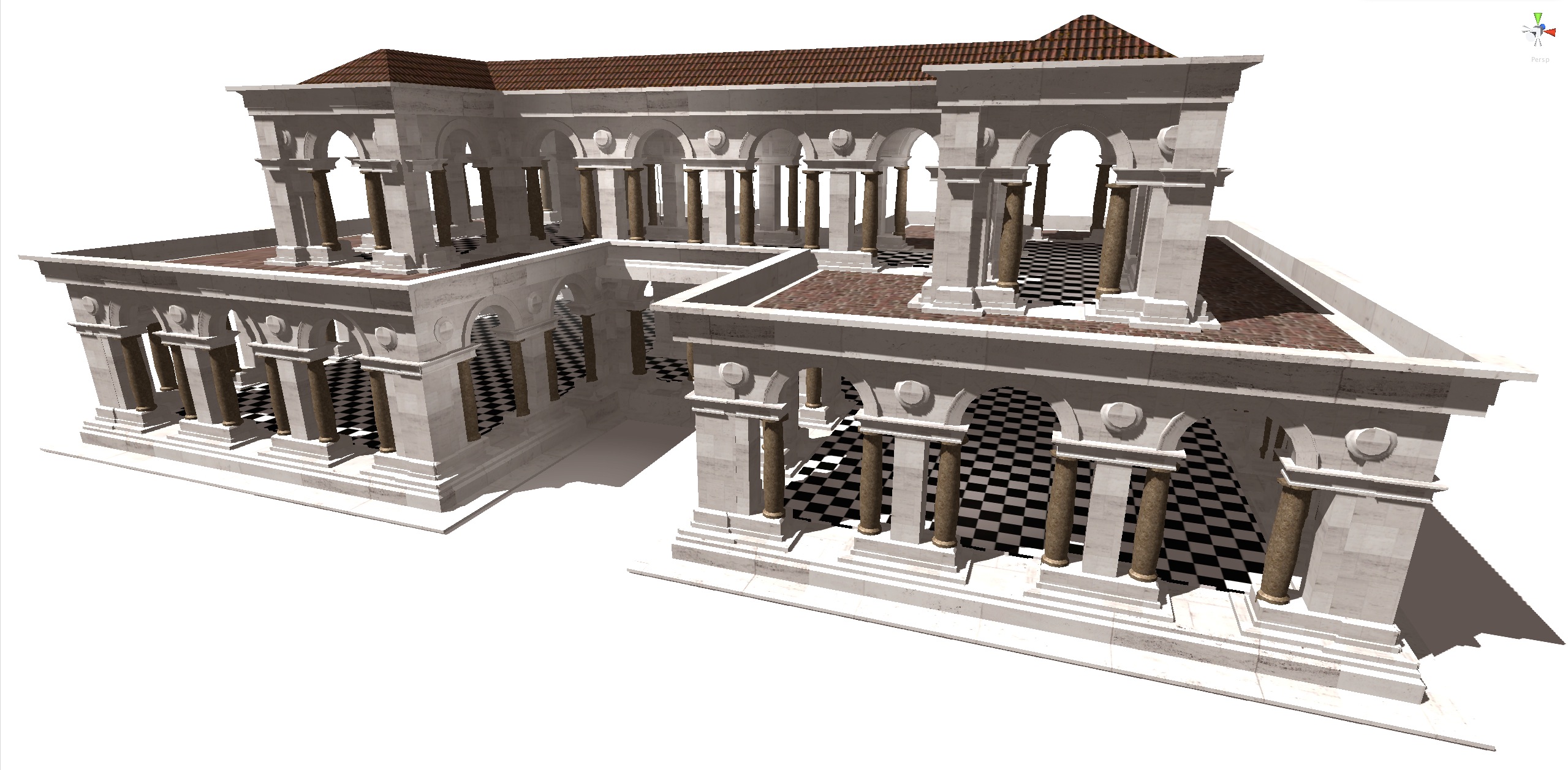 Come to the Palladian Villa!
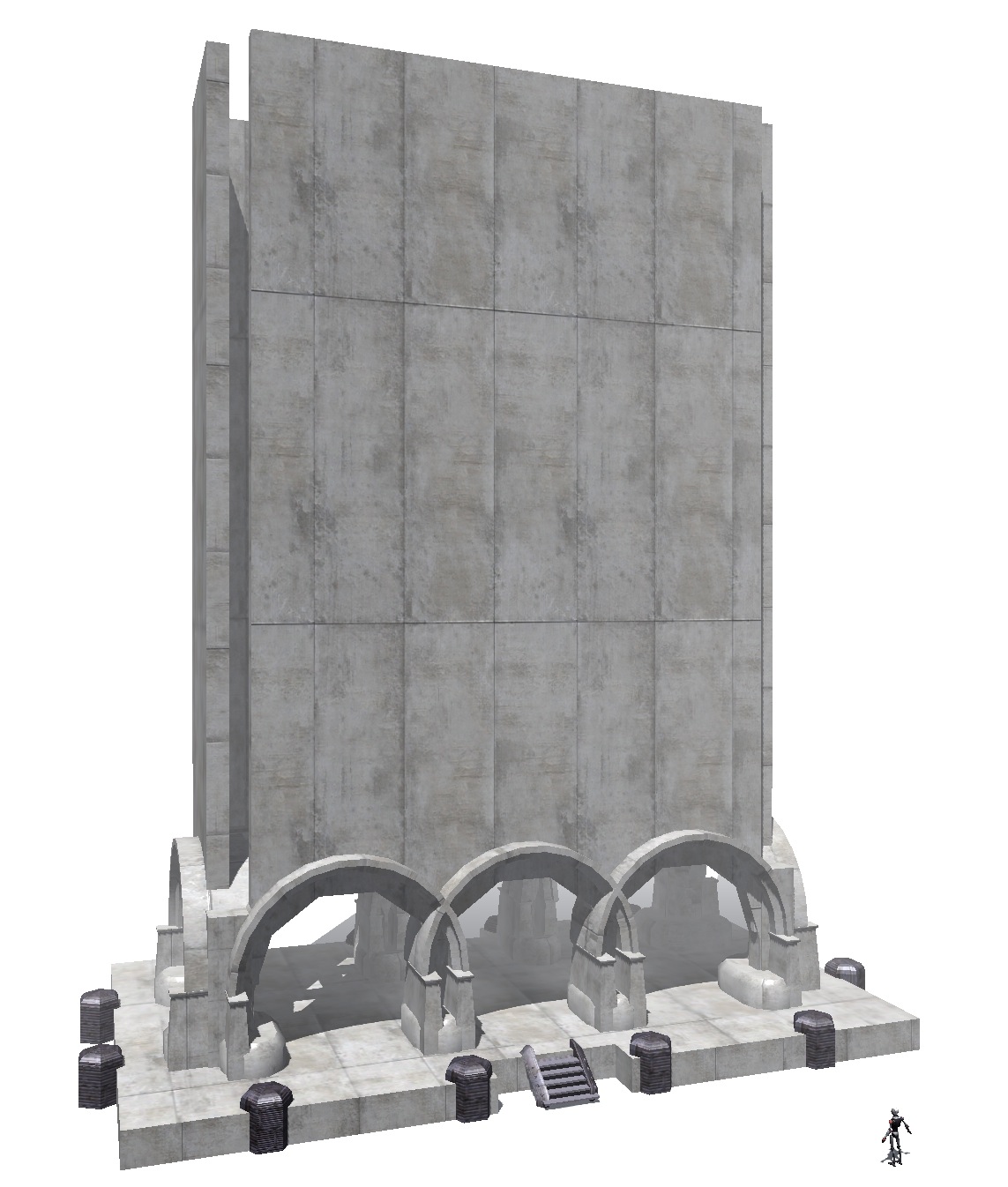 The Ministry of Robots
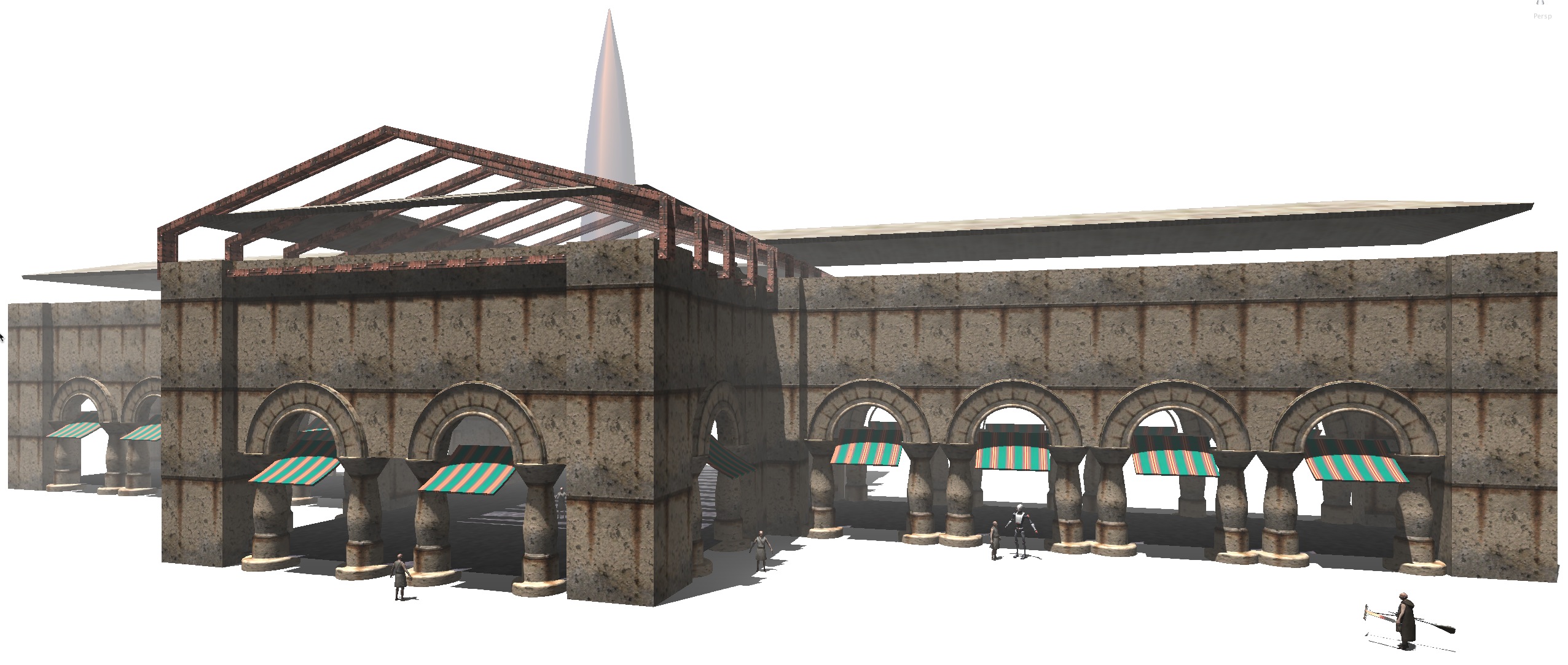 Ancient Spaceport
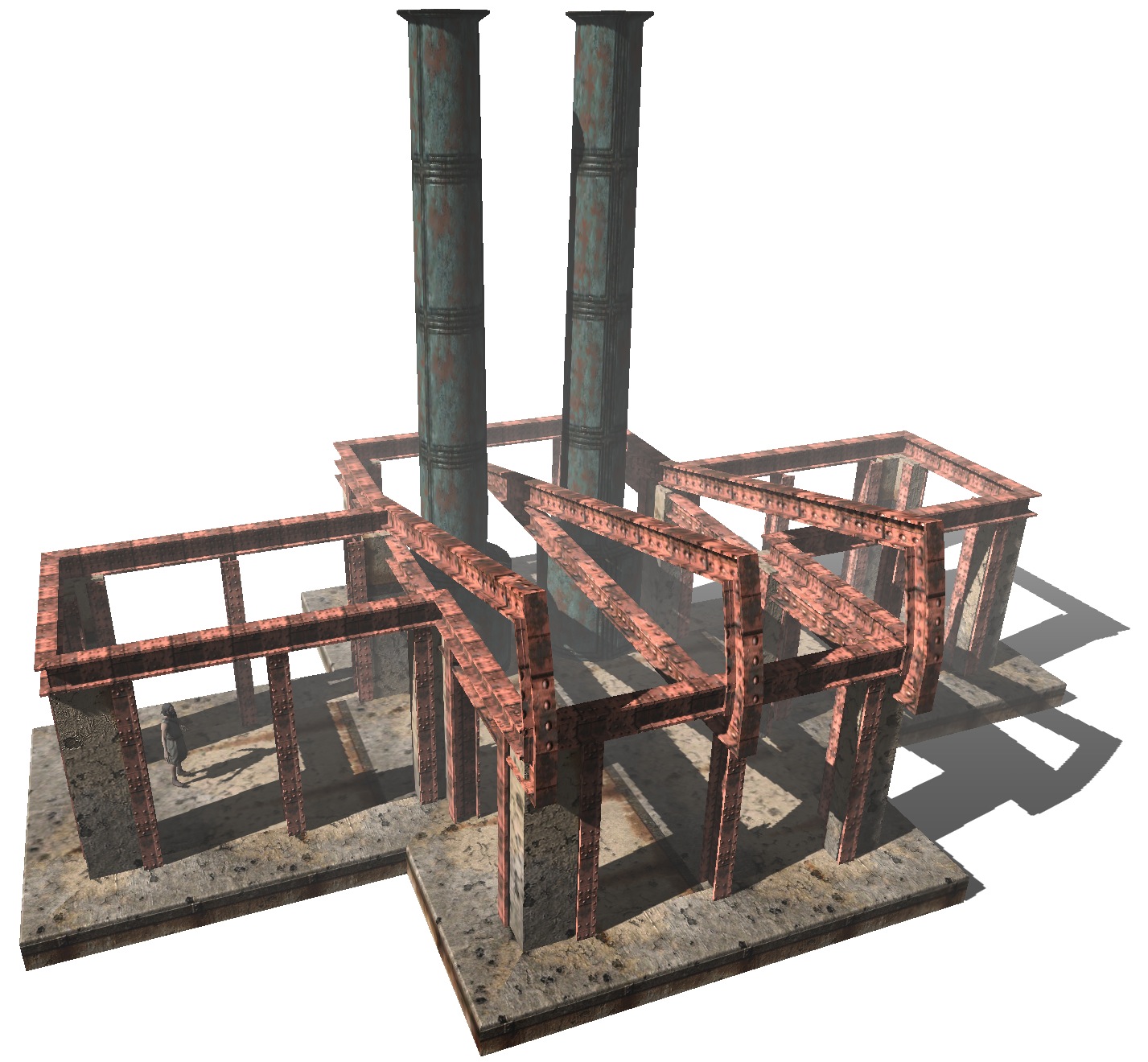 The Old Machine [triangles: 3150 , modeling time: 8 mins]
Theme by Anders Noren — Up ↑
Leave a Reply
You must be logged in to post a comment.