
For educators
marimo is an open-source reactive Python notebook: run a cell or scrub a slider and marimo automatically updates affected outputs, bringing code and data to life in an intuitive programming environment.
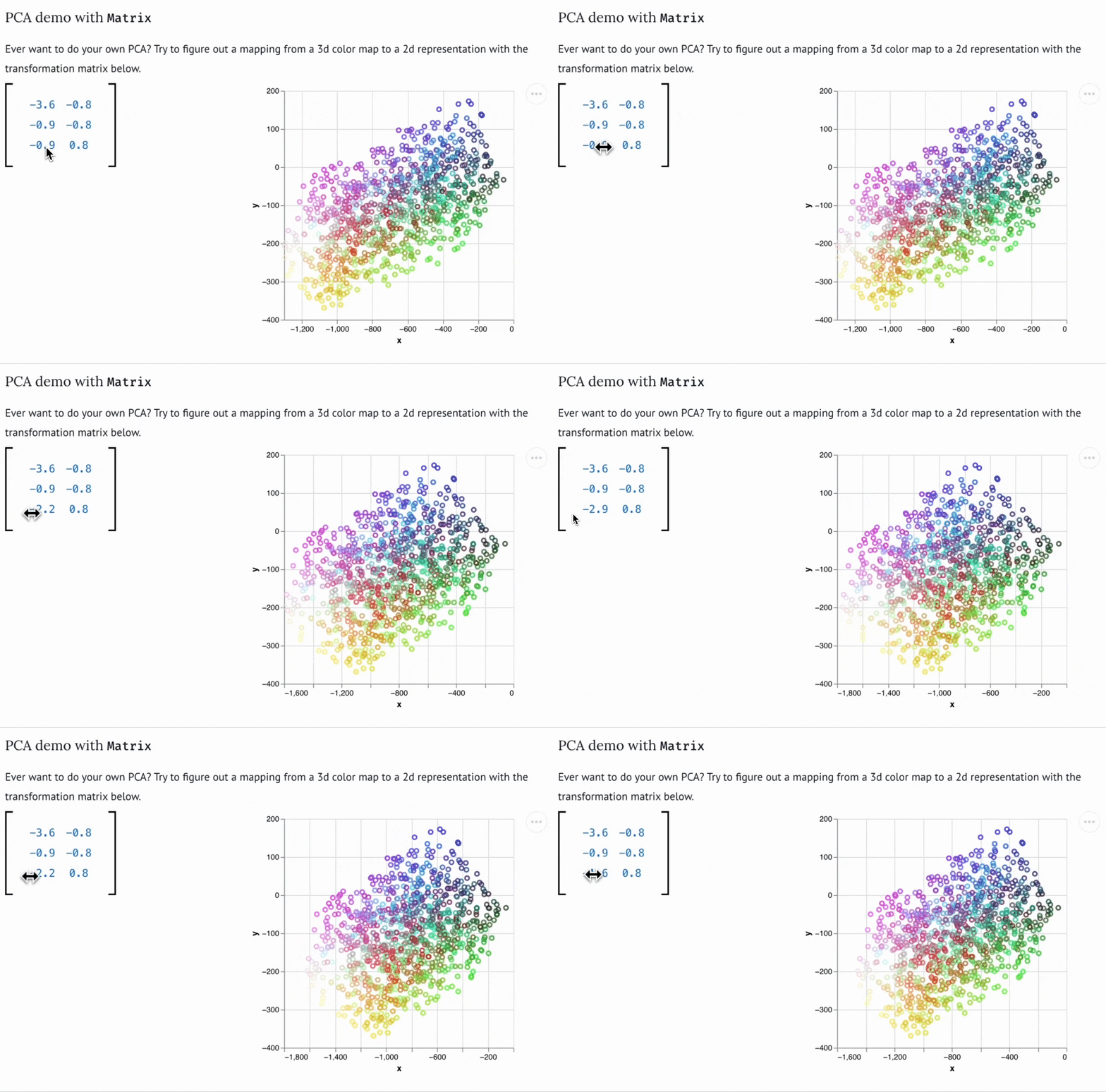
Interactive Matrices
Vincent Warmerdam
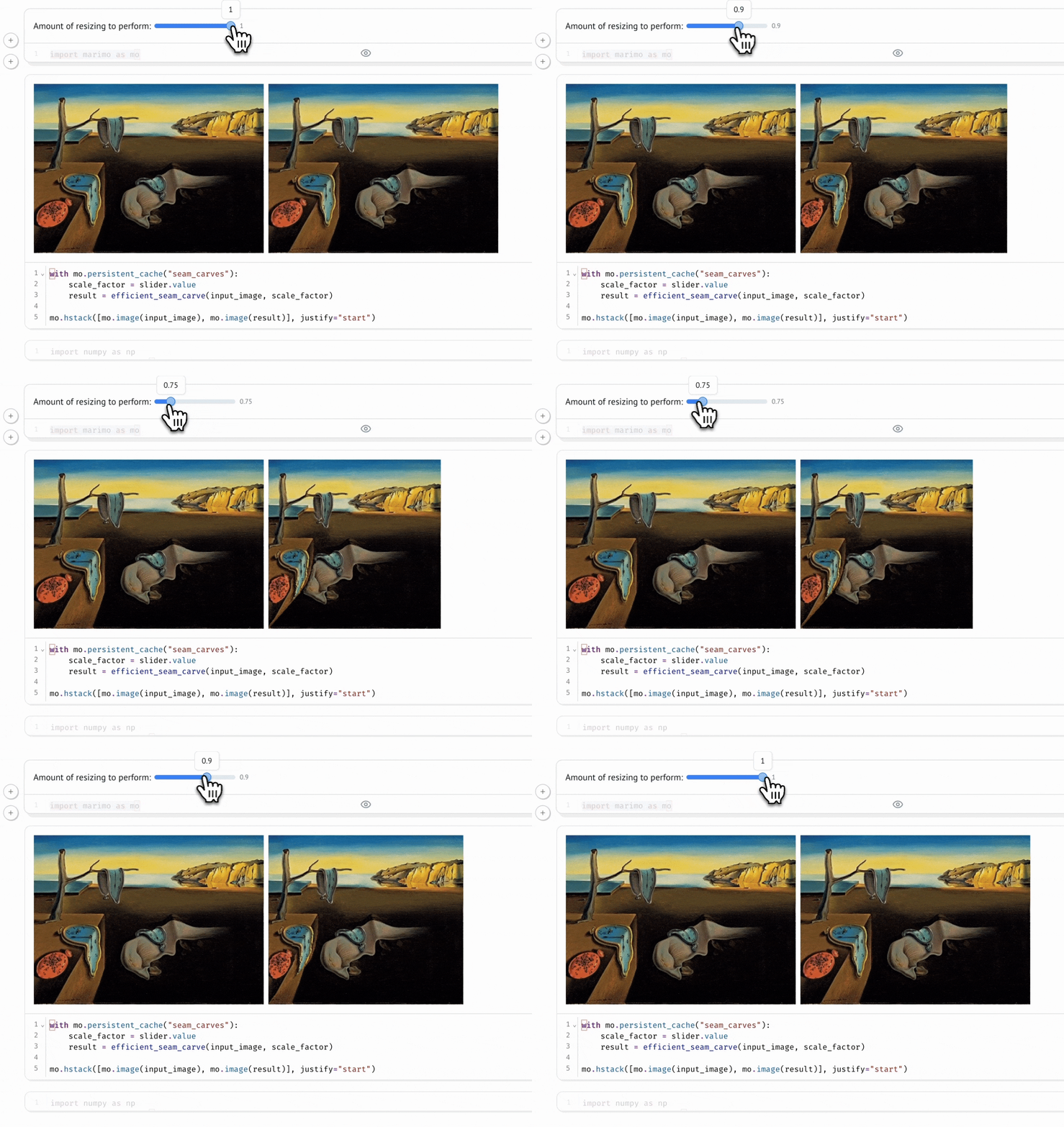
Seam Carving
Vincent Warmerdam

Signal Decomposition
Bennet Meyers
marimo was originally designed by Stanford scientists, for Stanford scientists. These scientists needed a single programming environment for conducting reproducible computational science and communicating it as interactive web-based learning experiences.
Today, marimo is used in classes across the world, has been downloaded millions of times, and runs everywhere: locally, in VS Code, in the cloud, and even inside web pages like this one. Try marimo below!
Getting started
Here are some resources to help you get started with marimo:
- Run locally. marimo is free and open source; use the command-line interface or VS Code.
- Run on the cloud. Use molab, our free cloud-hosted notebook; no setup required.
- Primer for education. See our self-contained primer on marimo for educators and students.
- Classes using marimo. See this list.
- Examples. See our notebook gallery.
- Documentation. See our online documentation.
- Videos. Our YouTube has many tutorials.
- Forum. Join our discussion forum to chat with the marimo team and other educators.
- Feature requests or issues. Reach out on GitHub with feature requests or issues.
Features
Reactivity gives immediate feedback
marimo notebooks execute reactively, giving students immediate feedback as they experiment with data and models by keeping code and outputs in sync.
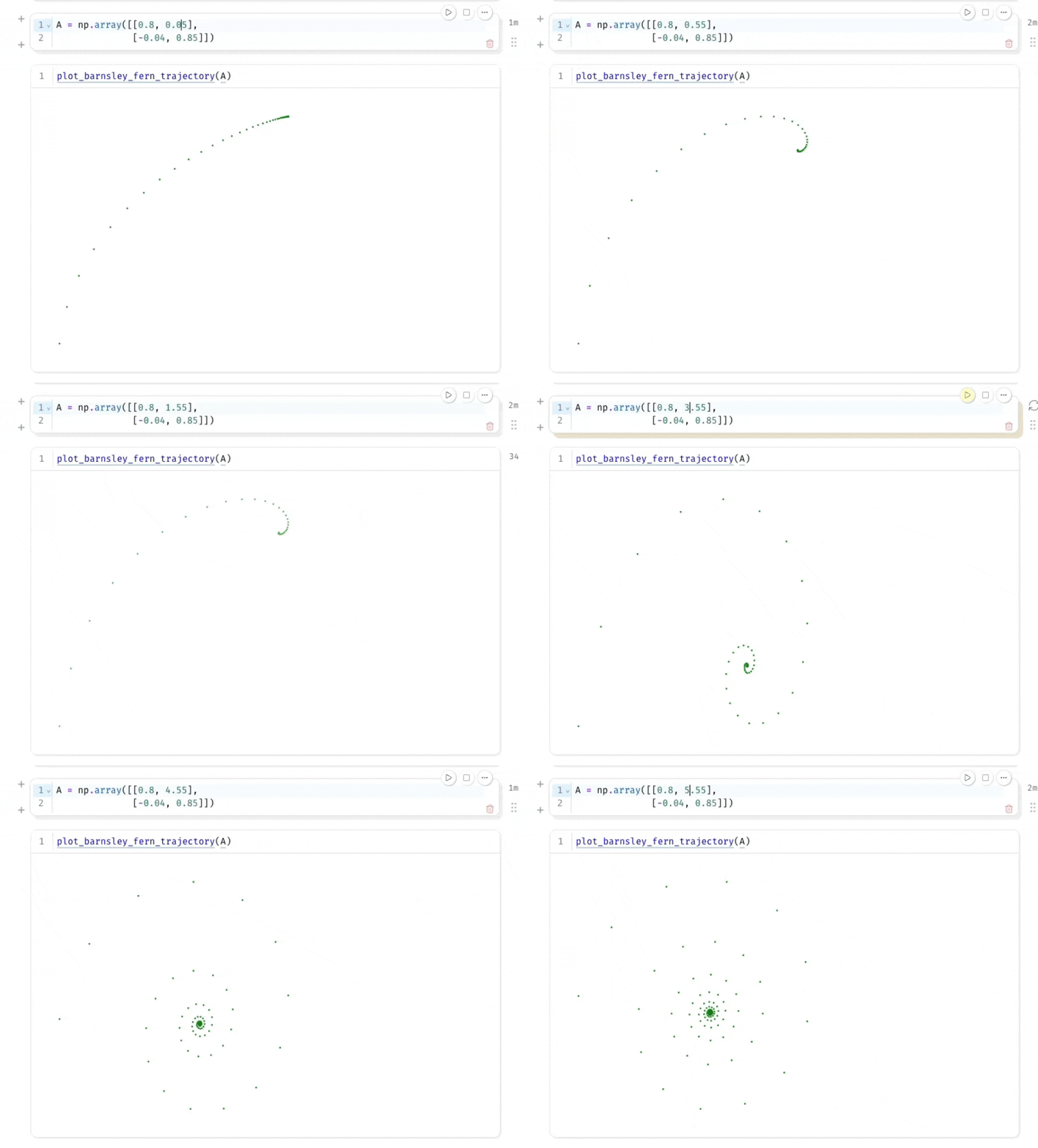
In this example (inspired by Pluto.jl), changing the parameter A and running the first cell automatically runs the second cell and updates the plot.
Interactivity with sliders, text inputs, and more
marimo notebooks come packaged with UI elements, which are automatically bound to Python code. Scrub a slider and see how affected cells run automatically!
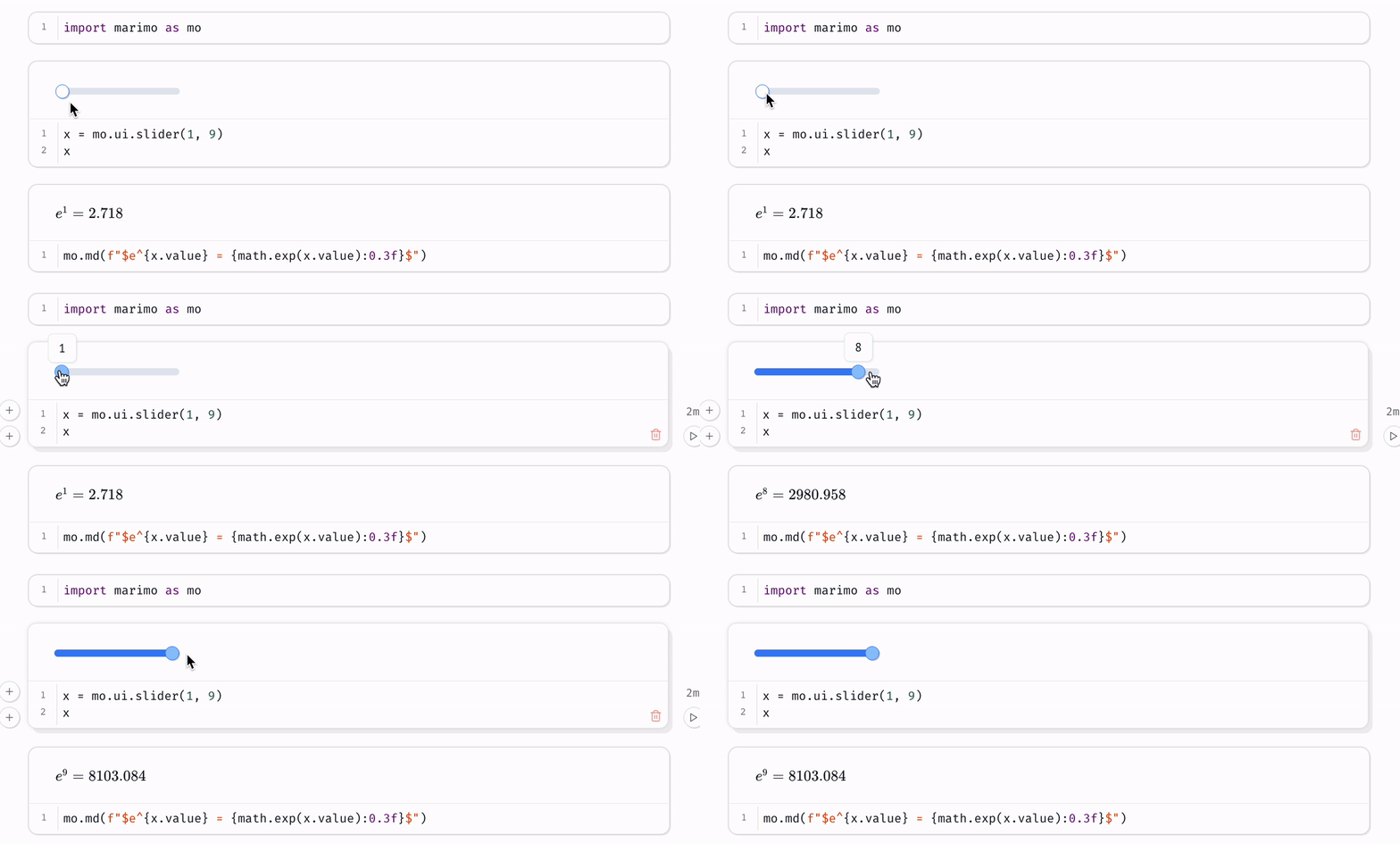
Create custom widgets with anywidget
If you know "just enough JavaScript", you can extend marimo with custom widgets, like the matrix widget below!
If you don't know JavaScript, you can still benefit from marimo's ecosystem of third-party widgets, which is compatible with anywidget. Check out the wigglystuff project for many examples of custom widgets (including the Matrix widget).
Enabling reproducible science
Traditional Jupyter notebooks are great scratchpads, but it is widely known that they suffer from reproducibility issues. For example, a study from NYU found that less than a quarter of the notebooks on GitHub were found to be executable, let alone reproducible.
In contrast, marimo notebooks were designed to be reproducible in execution, with no hidden state, as well as packaging, with a built-in package manager that records dependencies automatically.
Simplified package installation
marimo's package manager makes it easy for students to install new packages with a single click:
Easy to share on the web
Educators and students can share marimo notebooks on the web in one of many ways:
Teach software engineering best practices
marimo sets students up for success for careers in industry or academia by gently encouraging software engineering best practices: marimo notebooks are stored as pure Python, so they can be version controlled with Git; they are testable with PyTest; and they encourage functional-style programming with minimal mutations.