Link to open Docker Dashboard missing from menubar icon on Mac #6192

Description

- I have tried with the latest version of Docker Desktop
- I have tried disabling enabled experimental features
- I have uploaded Diagnostics
- Diagnostics ID: 525DFAFE-9B6B-431C-A0CE-0E3D63545334/20220222182044
Expected behavior
When clicking the Docker icon in the menu bar, there should be a link to open the "Docker Dashboard" / Docker desktop app.
Actual behavior
The link is missing and the only way to get to the dashboard is by hitting cmd + space and launching docker.app from there.

Information
- Is it reproducible?
- Yes, started happening after restarting the computer after the latest update
- Is the problem new?
- Yes
- Did the problem appear with an update?
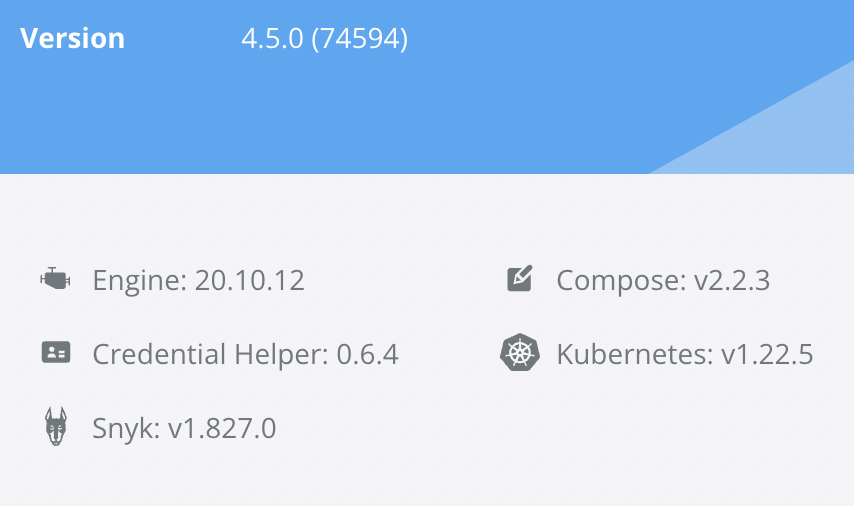
- Happened after updating to 4.5.0
- macOS Version:
- 12.1
- Intel chip or Apple chip:
- Apple M1
- Docker Desktop Version:
- 4.5.0
-
Output of /Applications/Docker.app/Contents/MacOS/com.docker.diagnose check
Starting diagnostics

[PASS] DD0027: is there available disk space on the host?
[PASS] DD0028: is there available VM disk space?
[PASS] DD0031: does the Docker API work?
[PASS] DD0004: is the Docker engine running?
[PASS] DD0011: are the LinuxKit services running?
[FAIL] DD0016: is the LinuxKit VM running? vm is not running: vm has not started
[PASS] DD0001: is the application running?
[PASS] DD0018: does the host support virtualization?
[FAIL] DD0017: can a VM be started? vm has not started: vm has not started
[PASS] DD0015: are the binary symlinks installed?
[PASS] DD0003: is the Docker CLI working?
[PASS] DD0013: is the $PATH ok?
[PASS] DD0007: is the backend responding?
[PASS] DD0014: are the backend processes running?
[PASS] DD0008: is the native API responding?
[PASS] DD0009: is the vpnkit API responding?
[PASS] DD0010: is the Docker API proxy responding?
[PASS] DD0012: is the VM networking working?
[PASS] DD0032: do Docker networks overlap with host IPs?
[SKIP] DD0030: is the image access management authorized?
[PASS] DD0019: is the com.docker.vmnetd process responding?
[PASS] DD0033: does the host have Internet access?

Please investigate the following 1 issue:

1 : The test: can a VM be started?
    Failed with: vm has not started: vm has not started

The Docker engine runs inside a Linux VM. Therefore we must be able to start Virtual Machines.
Steps to reproduce the behavior
- Upgrade to 4.5.0
- Restart
- Wait for docker to launch / show up in menu bar
- Click menu bar icon