This is an approval workflow built with Google Form, Gmail, and Google Apps Script.
GAS-059 How to use clasp - Watch on YouTube
Google Form
- Approval flows
// Define the approval flows in this object
const FLOWS = {
	defaultFlow: [
		{
			email: "[email protected]",
			name: "Ashton Fei (default 1)",
			title: "Team Lead",
		},
		{
			email: "[email protected]",
			name: "Ashton Fei (default 2)",
			title: "Manager",
		},
	],
	HR: [
		{
			email: "[email protected]",
			name: "HR Lead",
			title: "HR Team Lead",
		},
		{
			email: "[email protected]",
			name: "HR Manager",
			title: "HR Manager",
		},
	],
	IT: [
		{
			email: "[email protected]",
			name: "IT Lead",
			title: "IT Team Lead",
		},
		{
			email: "[email protected]",
			name: "IT Manager",
			title: "IT Manager",
		},
		{
			email: "[email protected]",
			name: "IT President",
			title: "IT President",
		},
	],
};- Web App Url
this.url =
"https://script.google.com/macros/s/AKfycbzKrd0zkrNgCm54Ycdv3e82BWxe4r34zSx4iZ0nTMU_TuhApgY/exec"; // IMPORTANT - copy the web app url after deploy- Header name of flow key
this.flowHeader = "Department"; // IMPORTANT - key field for your flows-
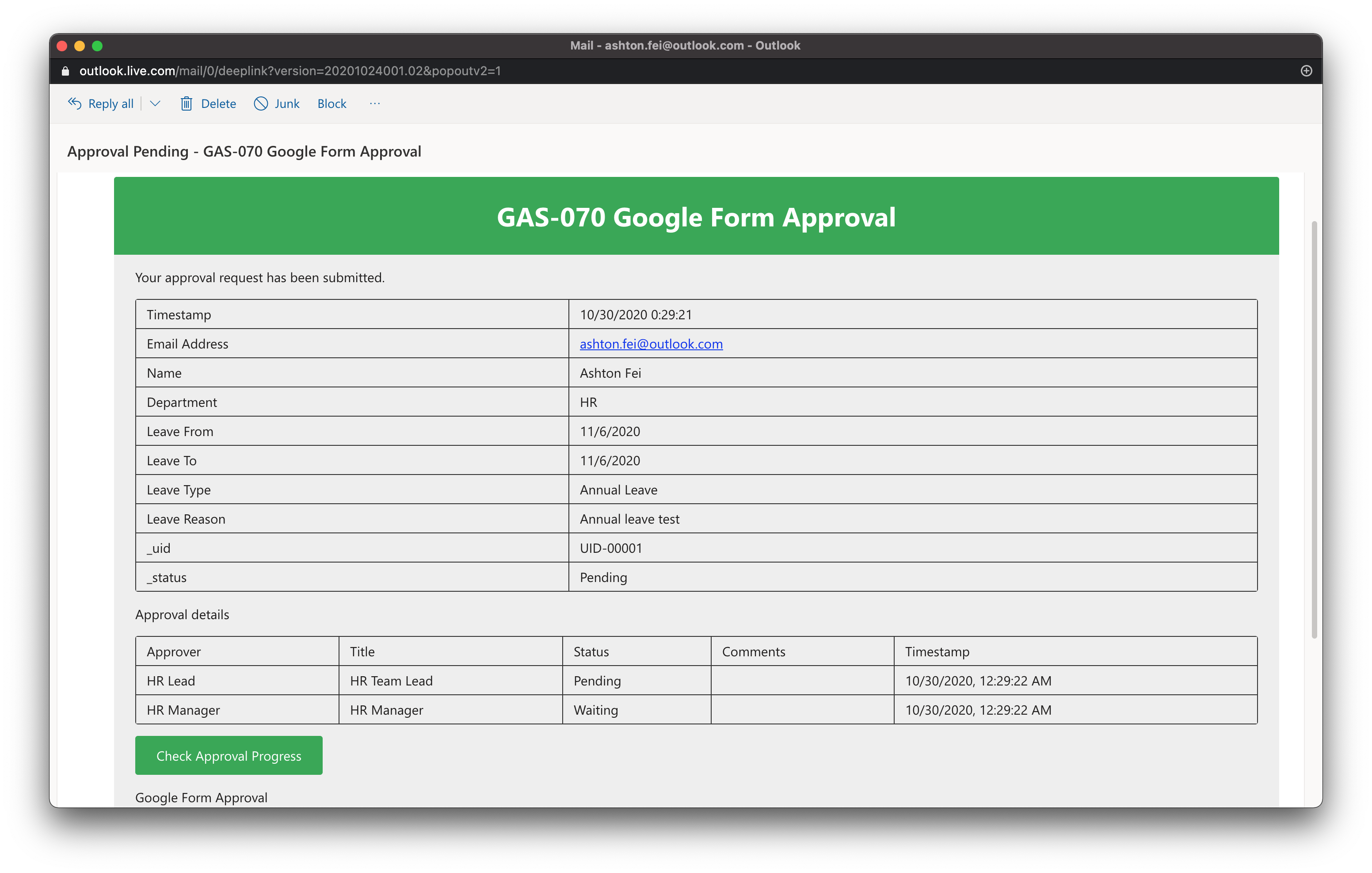
Requester notification
-
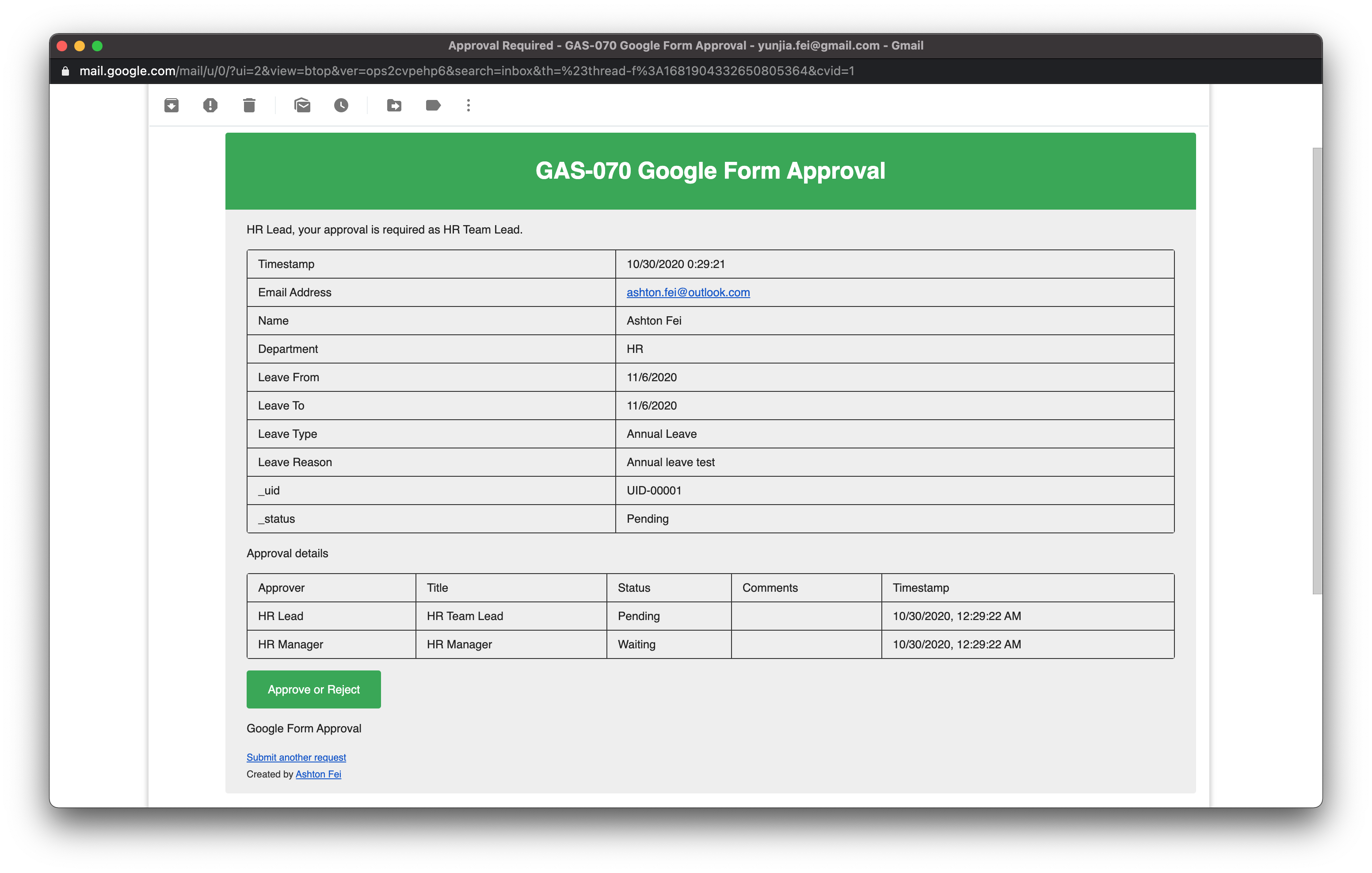
Approver notification
-
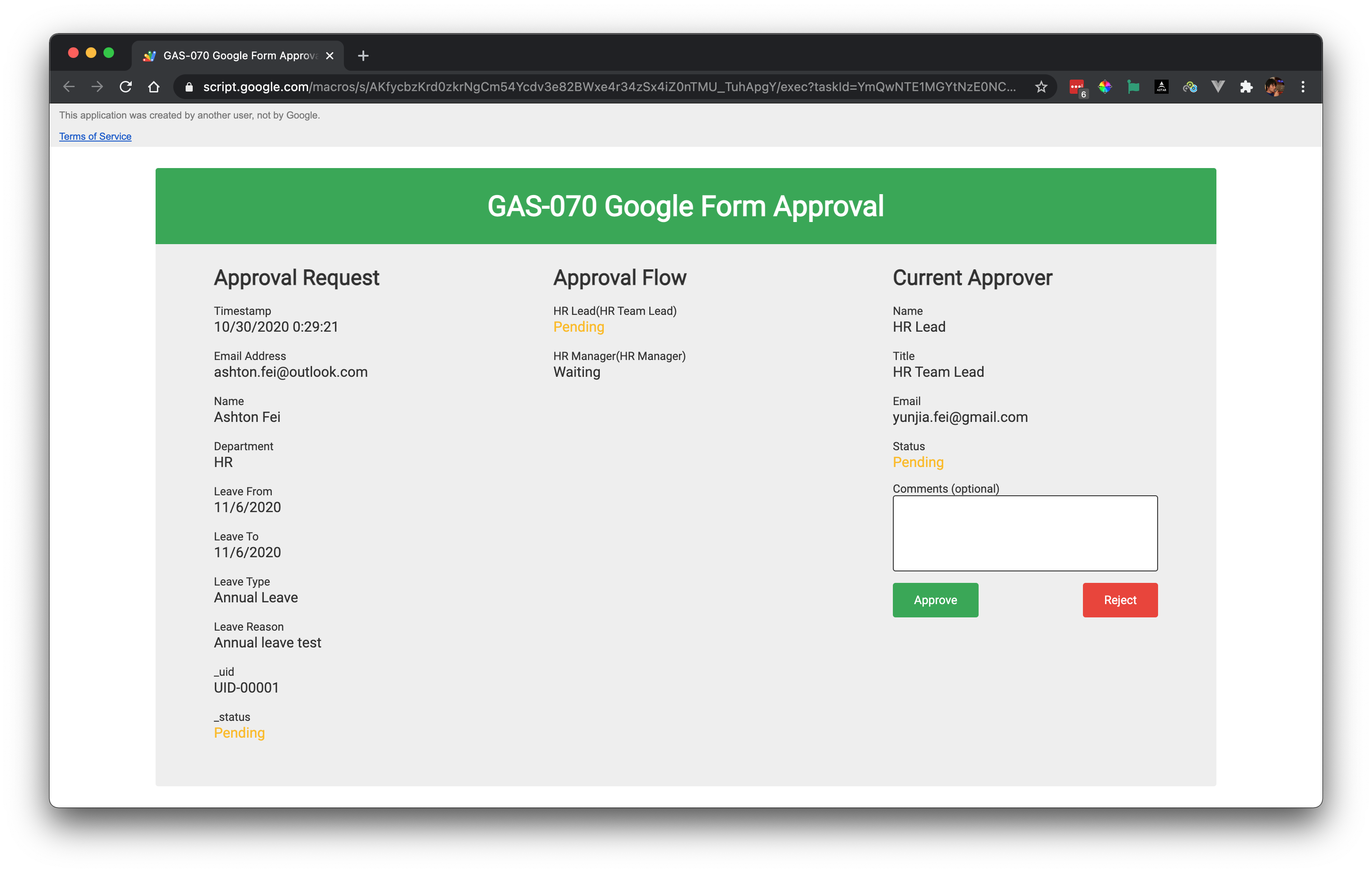
Approver action page
-
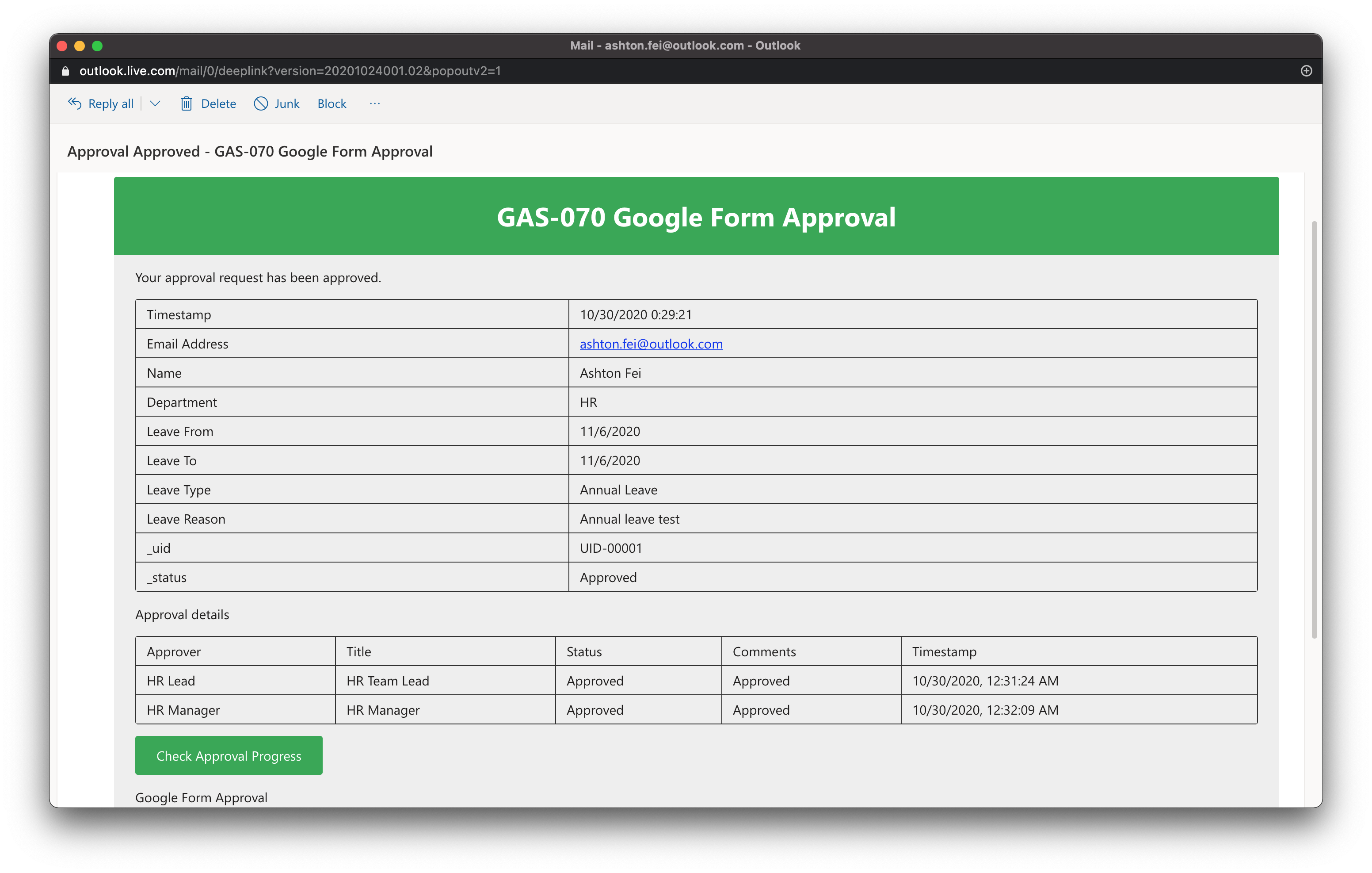
Requester notification (final result)
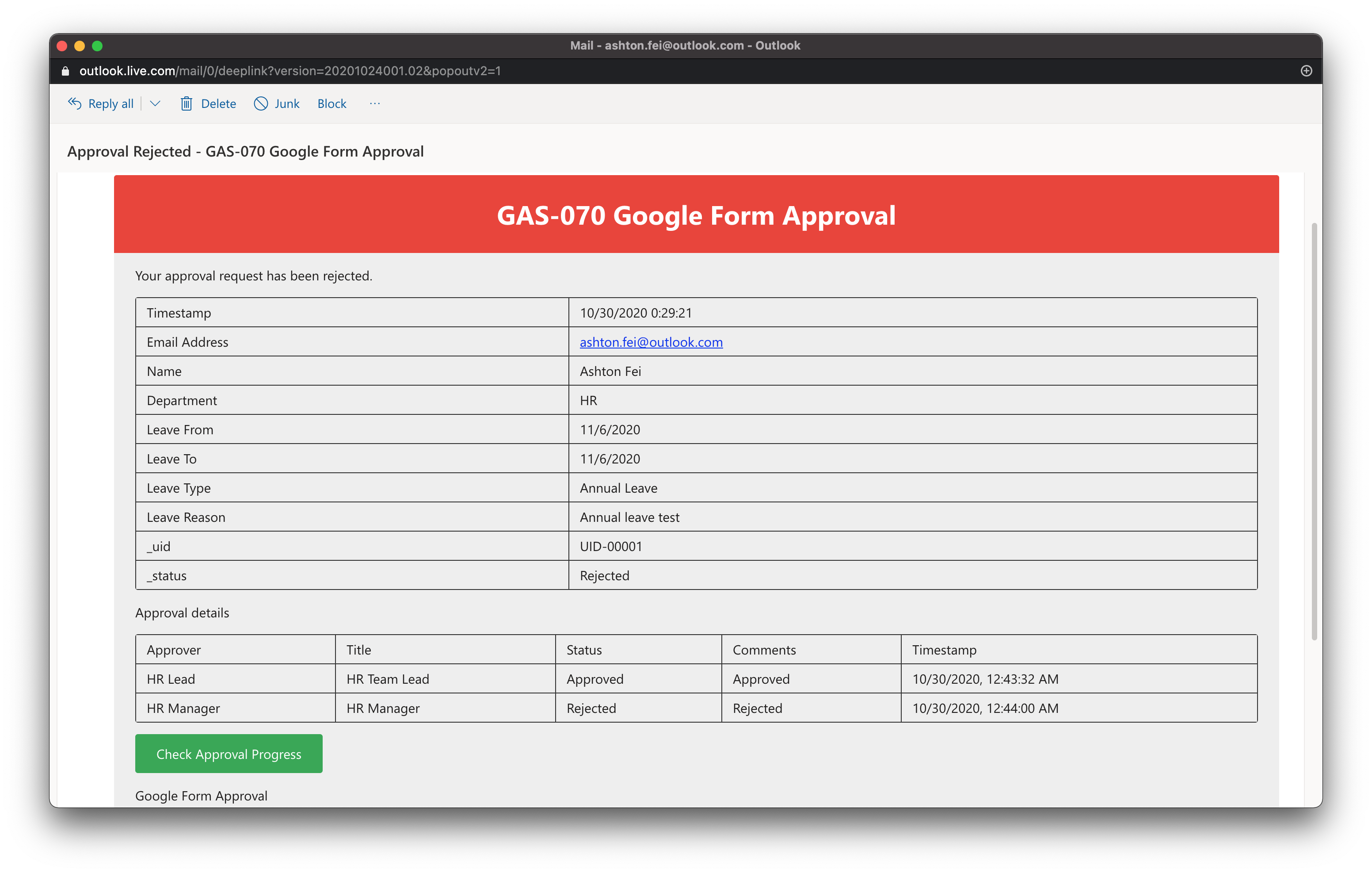
-
Approval progress check page
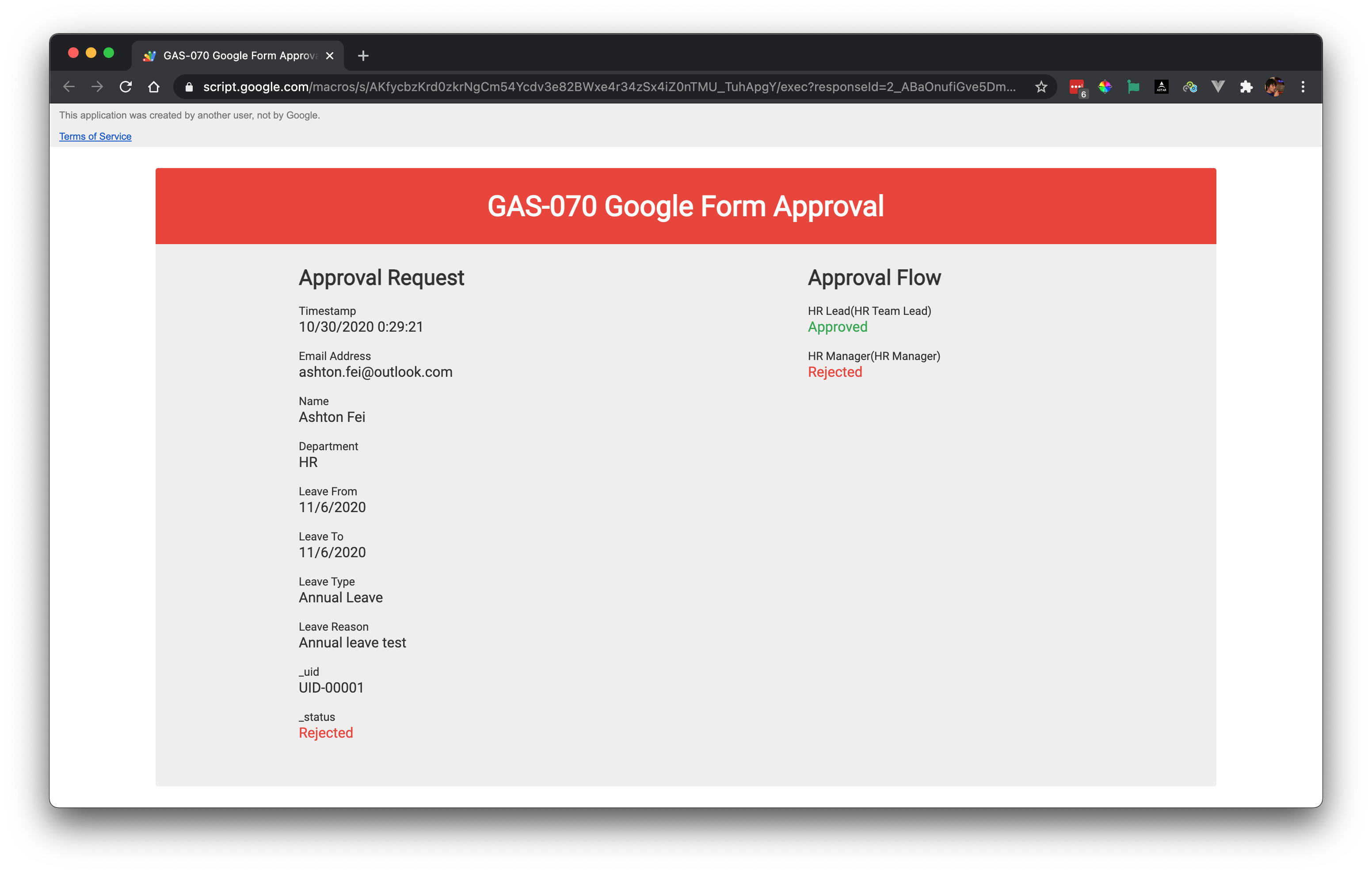
-
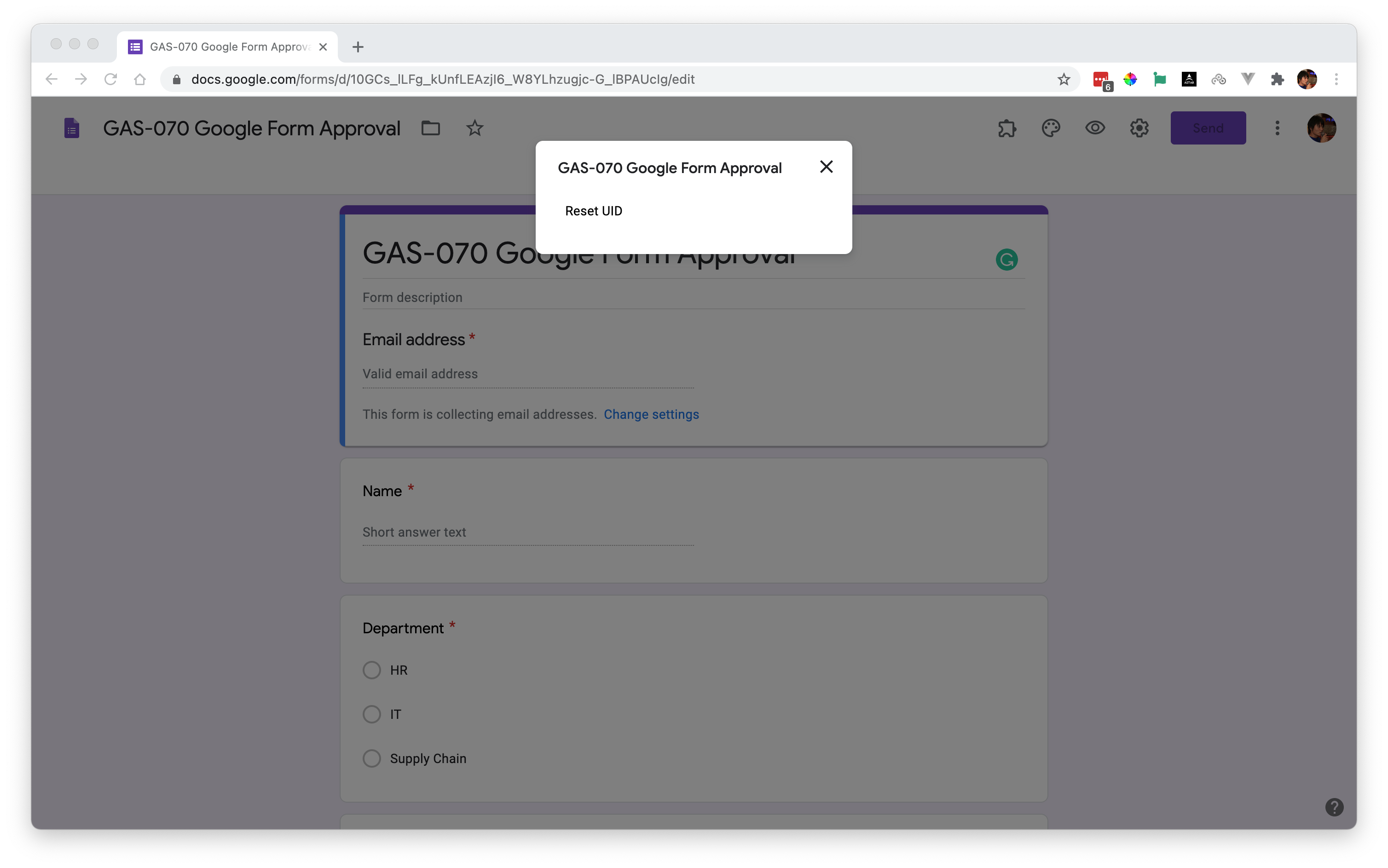
Reset UID
- Check on YouTube GAS-070 Google Form Approval
- More videos about Google Apps Script