C language through FastCGI protocol, through php-fpm, php file parsed into html files.
Preparation:
please make sure you have installed php-fpm.
Testing environment:CentOS 7
configuration file:/usr/local/php/etc/php-fpm.conf
php file:my own user home directory ---/home/Tanswer/index.php
If you want to run, you need to change the php file path of main.c.
-
Modify the configuration
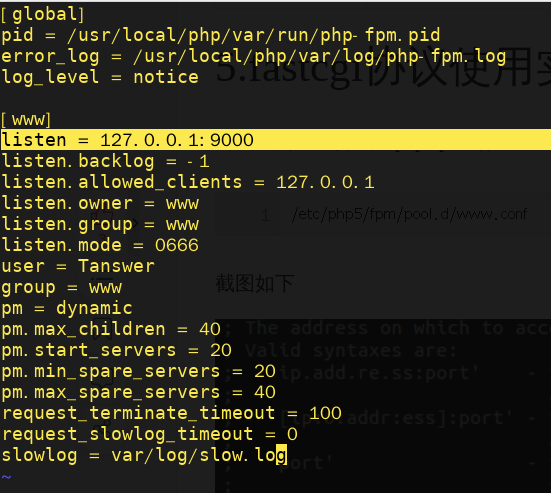
After the installation is complete, the default communication method for unix local domain socket communication, our example and php-fpm for TCP communication, so we should change the configuration, the ip address is set to 127.0.0.1, listening port 9000. As follows:
-
restart php-fpm
sudo service php-fpm restart -
compiling and running
git clone [email protected]:Tanswer/FastCGI.git
cd FastCGI && make
./main
found an error after running:
error:Unable to open primary script: /home/Tanswer/index.php (No such file or directory)This is the issue of permissions, the permissions of index.php are:
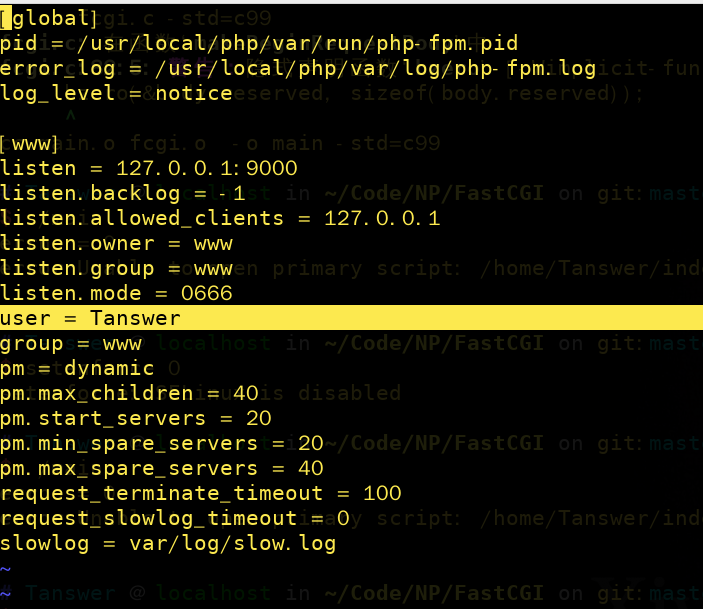
-rw-r--r-- 1 Tanswer Tanswer 64 12月 23 13:16 index.php. From the above default configuration file can be seen, the account that started the php-fpm process is www, and here we change it to Tanswer,as follows:run again
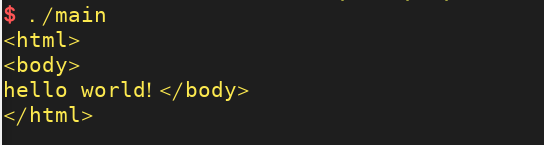
./main, the result is as follows: