This repository contains samples related to Syn Bot Development framework.
This project shows how one can build a simple pizza bot without a single line of coding or scripting in SIML. The project purely uses Workspace nodes to build a pizza bot.

To work with the Workspace project.
- Click the
Train Botbutton on Oscova Test Panel - And type
startas the first user message.
A demostration of how developers can use SIML or Oscova to create a natural language interface to database.
Note: Build both the projects in Debug mode.
The Oscova project contains all required Intents and design patterns to create custom Oscova Dialogs.
The project also demonstrates:
- Creating custom Entity Recognizers by reading through Database entries.
- Add Dialogs to the Bot
- Work with contextual intents
- Share data between different Intents.
All example patterns are highlighted within the Examples tab. The database used in this demo application is reset to its initial value upon restart.
The knowledge-base of this project also implements an intelligent suggestion system to address queries that are very similar to existing patterns. Thereby teaching the user the right format of presenting questions to the Database.
Projects under this repository are dual licensed under: MIT and CPOL
This project demonstrates the very basic concepts of creating an Android Bot in C# using Oscova.
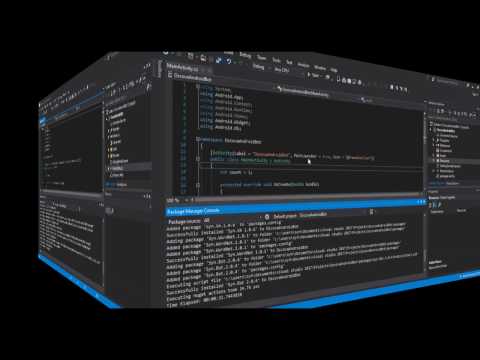
This is a sample App Bot developed using Oscova. You may download this repository to understand the basics covered in the Oscova tutorials section.
The project covers the following:
- Creating Dialogs
- Creating Intents
- Writing Expressions
- Entity Annotation
Note: Build the projects in Debug mode.
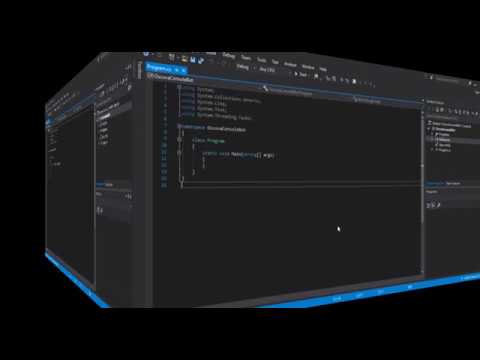
This sample project demonstrates incorporation of OSCOVA based bot directly within Office Excel via VSTA Add-In Project.

Note: Before running the project change the excelFilePath of the test Excel file (employees.xlsx). Please ensure that you build and Run the project in Debug mode.
This project followed the following steps to add a Bot to Excel.
- Create a new
Excel 2013 and 2016 VSTO Add-inproject in Visual Studio. - Add a new Windows Forums
UserControland name itHostControl. This control contains aElementHostcontrol that will contain the WPF based control. We chose this to keep the GUI as sleek as possible. - Add a WPF
UserControland name isBotControlwhich will be contained withinElementHost. - The data context of
BotControlis backed byBotViewModelclass. - Create a function named
DisplayBotControl()inThisAddIn.csfile that will display the Bot control within the Excel sheet when the spreadsheet has loaded. - The rest of the code structure is self-explanatory. Please browse through the sample project to learn more.
We will be refining and adding more information to this sample project via comments.
To remove the installed sample bot add-in from Excel after you have successfully tested the add-in, follow the steps below.
- Click on
Fileand chooseOptions - Select
Add-insand in the Manage drop-down option chooseCOM Add-insand click Go... - In the COM Add-ins dialog uncheck
OscovaExcelBotand click OK

This project demostrates how you can import Syn.Bot.unitypackage into Unity and create a simple Hello Bot dialog.