Introduction to Building Apps
Using BigCommerce’s powerful APIs, SDKs, and toolkits, developers can build apps that are installable on BigCommerce stores. Once approved, apps can be sold (or made available free of charge) to all BigCommerce merchants on the App Marketplace . This is the first article in a comprehensive developer’s guide to building BigCommerce apps. It provides a brief, high-level introduction for developers new to the platform. If you already have experience developing for BigCommerce, feel free to skip ahead or check out the quick start tutorial.
If you are interested in building Catalyst-compatible apps or integrations, please jump to Building for Catalyst.
About BigCommerce apps
Let’s first take a look how apps are discovered, displayed, and managed on BigCommerce stores.
Discovery
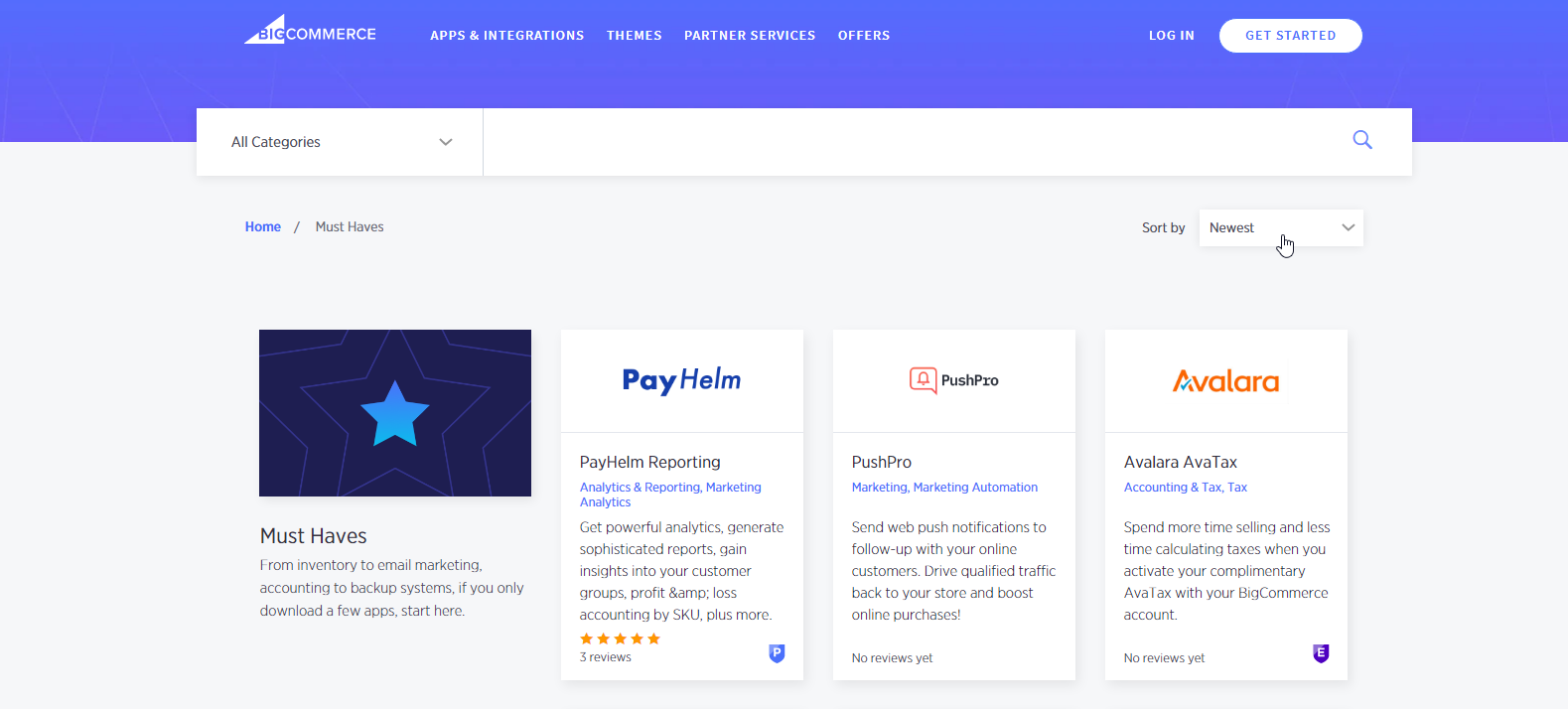
Approved apps are listed on the App Marketplace for merchants to browse, search, and install.
Management
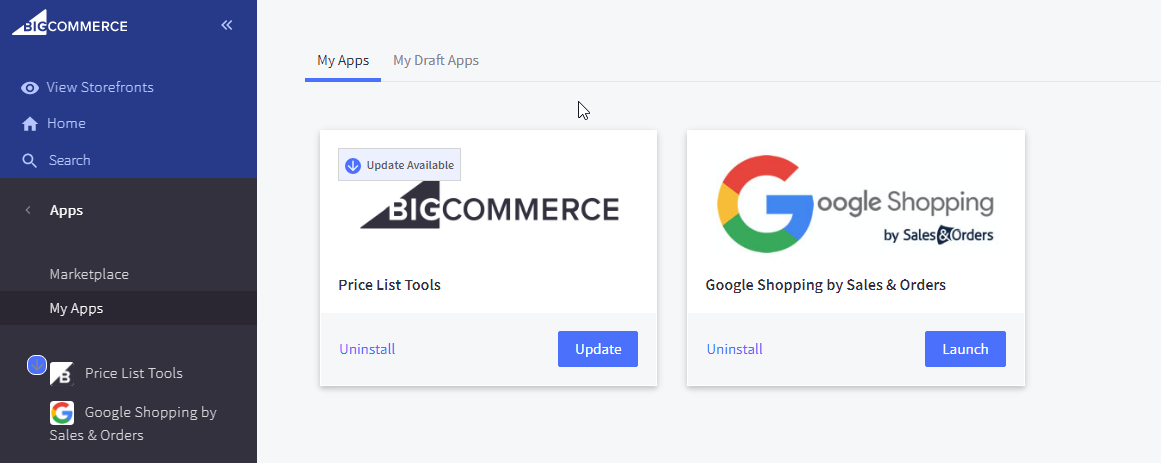
Apps installed on a store are managed in the store’s control panel under Apps > My Apps. Here, store users can launch or uninstall the app.
Display
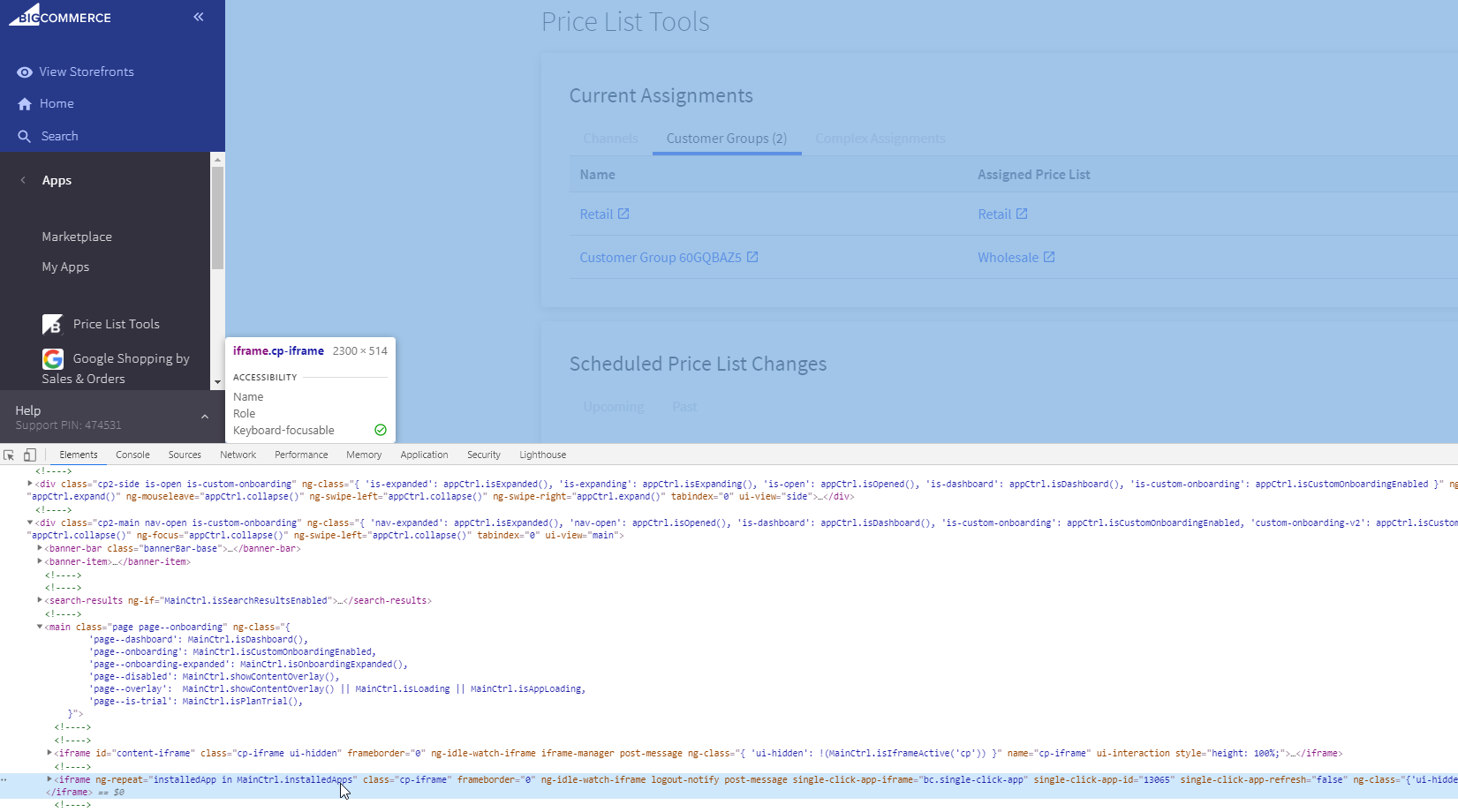
When a merchant launches an app, BigCommerce makes a request to the app’s /load callback and displays the app’s UI in an iFrame.
Use cases
What can developers do with BigCommerce apps?
Integrate with business systems
Use BigCommerce APIs to integrate stores with business systems such as the following:
Learn more about BigCommerce’s APIs.
Connect to sales channels
List products on external sales channels with Channels Toolkit.
Learn more about connecting apps to sales channels..
Add and manage scripts
Create and manage scripts with Scripts API and Script Manager .
Learn more about creating scripts.
Create custom widgets
Create widgets for merchants to install and configure.
Learn more about creating widgets.
Getting started
Here’s how to get started with BigCommerce development:
-
Apply to be a Partner to get paid for your apps.
-
Create a Developer Portal account to register and submit apps.
-
Join the Developer Community to get help from other BigCommerce developers.
-
Check out the Marketplace to get inspiration on what to build.
Next steps
Resources
Sample apps
Tools
- Node API Client
- Python API Client
- PHP API Client
- Ruby API Client
- Ruby OmniAuth Gem
- BigDesign Developer Playground
- Figma Component Library
Blog posts
- How to Test App Authentication Locally with ngrok (BigCommerce Developer Blog)
- Building a BigCommerce App Using Laravel and React (BigCommerce Developer Blog)
- BigDesign Tutorial (BigCommerce Developer Blog)